Accessible Real Estate Websites: A Practical Checklist for UAE Agencies
👉 Book a free 30-minute consultation
Most real estate websites are designed for the buyer who sits at a desk with a mouse, good eyesight and plenty of time. Real visitors are different. Someone may be using a phone in bright sunlight, navigating with a keyboard, relying on a screen reader, zooming the text, or simply tired and in a hurry. A site that works for all of them also tends to work better for everyone else.
This guide gives UAE agencies a practical real estate website accessibility checklist. It is built around the Web Content Accessibility Guidelines (WCAG) from the W3C, the international standard for accessible web content. It is a starting point for a conversation with your developer, not legal advice, and it does not replace a full audit.
Why accessibility matters for a brokerage
The W3C describes WCAG as guidance for making web content more accessible to people with disabilities, including blindness and low vision, deafness and hearing loss, limited movement and some learning and cognitive limitations. It also notes that following the guidelines often makes content more usable for users in general.
For an agency, the practical benefits are easy to see. Clearer text, larger tap targets and properly labelled forms help every visitor finish an enquiry. When someone cannot complete your "Request a viewing" form, you never find out, because they simply leave.
The four ideas behind WCAG
WCAG 2.2 organises its guidelines under four principles. Content should be:
- Perceivable: people can see, hear or otherwise take in the information.
- Operable: people can use every control, including by keyboard.
- Understandable: the content and the interface behave in predictable ways.
- Robust: the code works reliably with browsers and assistive technology.
The individual success criteria are graded at three levels: A, AA and AAA. Many organisations aim for Level AA, so that is a sensible target to discuss with your developer.
Start with the easy checks
The W3C Web Accessibility Initiative publishes a short set of "easy checks" for a first review. Together with the criteria below, they translate neatly into property website terms.
1. Describe your images
Every image that carries information needs a short text alternative. Decorative images should have an empty alt attribute so screen readers skip them. On a property site, that means:
- Listing photos: describe what is shown, such as "Open-plan living room with balcony view", rather than repeating the listing title on every picture.
- Floor plans: state the purpose in the alt text and put the key facts, such as bedrooms and area, in normal page text as well.
- Decorative flourishes and background shapes: leave the alt text empty.
2. Check colour contrast
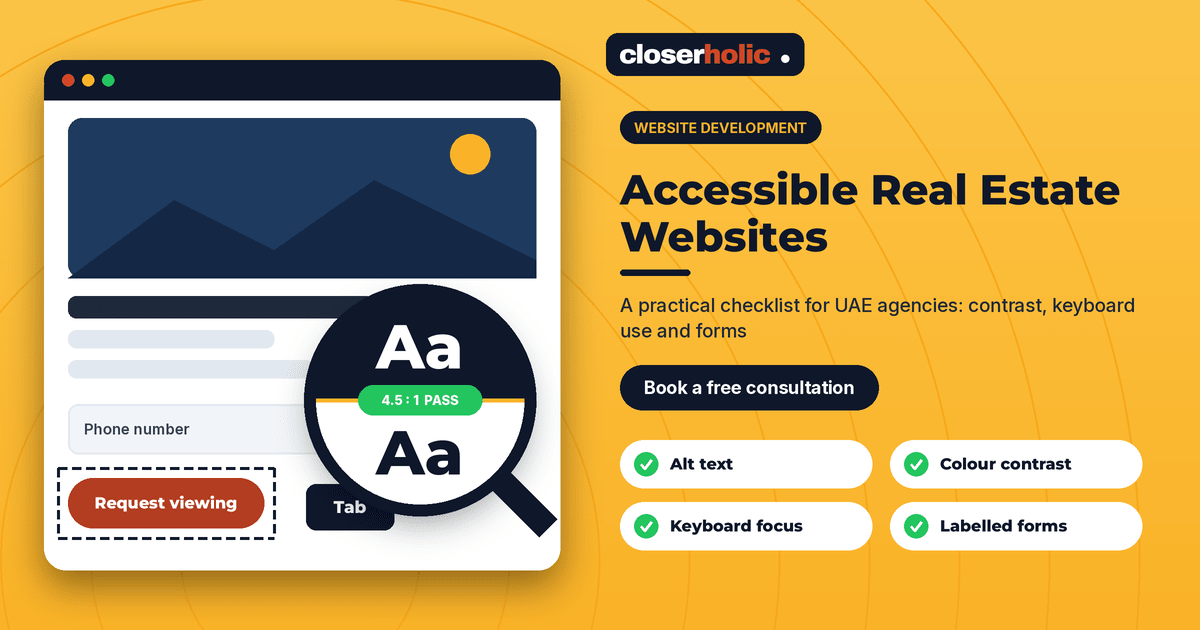
WCAG Level AA asks for a contrast ratio of at least 4.5:1 for normal text and 3:1 for large text, and 3:1 for interface components such as button outlines and focus indicators. Pale grey text over a hero photograph is a common failure, as are light buttons on white backgrounds. Test your brand colours in a contrast checker, including text laid over images and your Arabic pages.
3. Make everything work from the keyboard
All functionality should be usable with a keyboard, with no keyboard traps, and the element you are on should always be visibly highlighted. Open your site, put the mouse aside and press Tab. Can you reach the search filters, the photo gallery arrows, the language switch, the phone and WhatsApp buttons and the enquiry form? Can you tell where you are at every step? Image carousels, map pop-ups and hover-only menus are the usual culprits.
4. Label every form field
Each field in your enquiry form needs a visible, programmatically linked label, not just placeholder text that disappears when someone starts typing. Error messages should say what went wrong and how to fix it. WCAG 2.2 also introduced a "redundant entry" criterion, which discourages making people re-type information they have already given in the same process. In a multi-step valuation form, that means carrying details forward.
5. Keep tap targets and sticky elements friendly
WCAG 2.2 added a minimum target size criterion and a requirement that a focused item is not hidden by things like sticky headers. A floating "Call now" bar that covers the field a keyboard user just selected is a good example of what to avoid. Make buttons comfortably large and spaced apart on mobile.
6. Add captions and transcripts to video
If you publish property tours or developer walkthroughs, provide captions for video and a text alternative where it helps. Captions also serve visitors watching without sound in an office or on public transport.
7. Set the page language correctly
If your pages exist in Arabic and English, each page should declare its language, and text direction should be correct on the Arabic side. Our decision guide to Arabic and English real estate websites covers the wider design questions.
A simple review routine
- Pick five key pages: home, search results, a property detail page, an agent profile and the contact page.
- Run the easy checks above on each page, on both desktop and phone.
- Write down failures in a shared sheet with the page, the problem and a priority.
- Fix the blockers first: anything that stops a visitor from searching, viewing a listing or submitting an enquiry.
- Retest after each release, and add the checks to your launch process.
Automated tools can catch some problems, but they cannot judge whether alt text is meaningful or a page is easy to follow. Pair tools with a quick human test, ideally including people who use assistive technology.
Where this fits with the rest of your site
Accessibility works best when it is designed in rather than patched on. It fits naturally with the points in our guides to mobile-first real estate websites, property search and lead form checklists and what a UAE real estate website needs.
How Closerholic can help
Closerholic builds websites for real estate businesses in the UAE and GCC and connects them with your CRM. We can review your key pages against these checks, prioritise fixes, and build accessibility into new templates, forms and property pages. If you would like a second pair of eyes on your site, a short consultation is a good place to start.