After the Viewing: Email Sequence for UAE Property Buyers
👉 Book a free 30-minute consultation
The viewing went well. The buyers liked the layout, asked about service charges, and said they would “think about it”. Then silence. Agents often assume interest died, when what really happened is that no one owned the next message. A simple post-viewing email sequence for UAE property buyers keeps the conversation warm without feeling pushy.
This guide gives you a step-by-step sequence: timing, subject themes and the purpose of each message. It does not invent open rates or claim a magic conversion number. Adapt the wording to sales or leasing, and send from the agent who hosted the viewing whenever you can.
Why email still matters after a viewing
WhatsApp is where many UAE buyers reply fastest, but email is better for attachments, payment plans, floor plans and a clean record in the CRM. Use both: a short WhatsApp nudge plus an email that carries the documents. Log every send on the deal so the next agent (or the manager) can see what already went out.
If your nurture programme is still ad hoc, our property lead nurture emails FAQ covers the broader journey. This post focuses only on the window right after a viewing.
What to prepare before you automate anything
- A deal stage for “Viewing completed”. Moving the deal here should be the trigger for the sequence, not a calendar reminder in someone’s head.
- Fields for unit, community, viewing date and attendees. Templates need those merge fields or the emails will sound generic.
- Document pack ready: floor plan, brochure PDF, payment plan or tenancy summary, and a short comparison sheet if they saw more than one unit.
- A clear stop rule: pause the sequence when they book another viewing, make an offer, or ask not to be contacted.
Bitrix24 users can drive this with automation rules when a deal reaches a stage, as outlined in our post on automation rules for real estate follow-up.
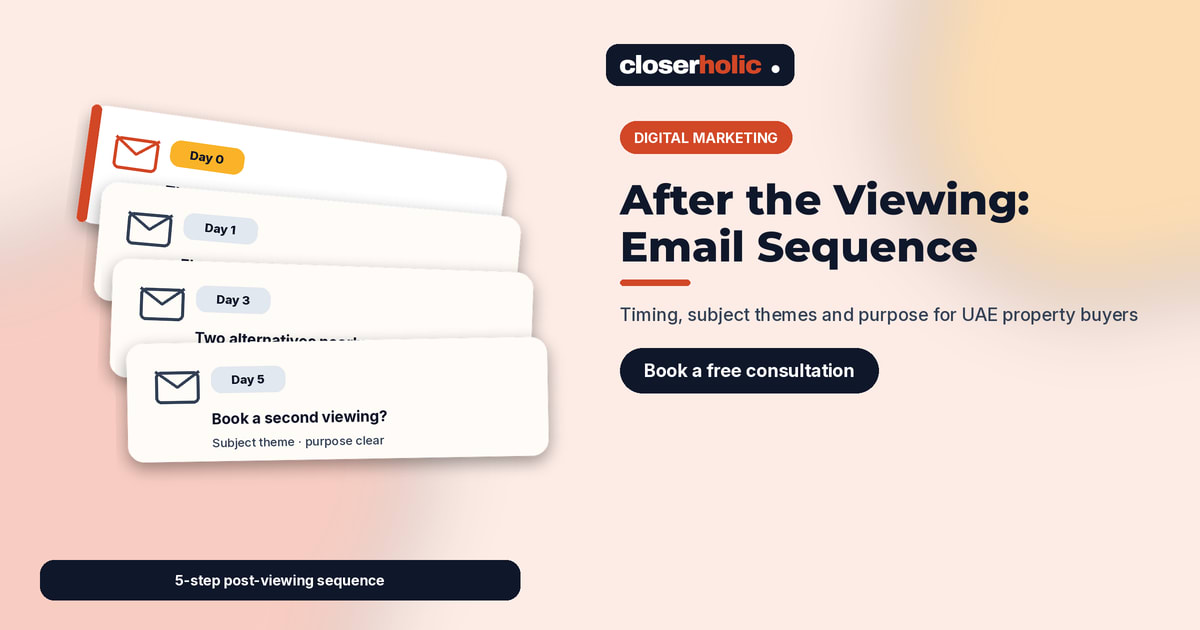
The sequence at a glance
| Step | When | Subject theme | Purpose |
|---|---|---|---|
| 1 | Same day, within a few hours | Thanks + what you saw | Confirm details and leave a paper trail |
| 2 | Next morning | Documents and answers | Send promised files and address questions from the tour |
| 3 | Day 3 | Options nearby | Offer one or two comparable units without overwhelming them |
| 4 | Day 5–6 | Next step invitation | Propose a second viewing, developer meeting or offer discussion |
| 5 | Day 10 (optional) | Soft check-in | Stay available; ask if timing or budget changed |
Five messages is a ceiling, not a target. Many deals only need steps 1–3. Quality beats length.
Step 1 — Same-day thank you
Subject theme: “Thanks for viewing [community / unit] today”.
Content purpose: remind them which unit they saw, list who attended, and confirm any questions you promised to answer. Attach nothing heavy yet if files are still being gathered — say what will arrive tomorrow. End with your WhatsApp number and a clear offer to rearrange if something was unclear on site.
Keep it short. The goal is courtesy and accuracy, not a sales pitch.
Step 2 — Documents and answers
Subject theme: “Floor plan, fees and notes from yesterday’s viewing”.
Content purpose: deliver the documents you promised and answer the questions that came up in the corridor — service charges, parking, handover date, furniture list, or developer payment plan. Use bullet answers. If a fact is still waiting on the landlord or developer, say so and give a time you will follow up.
This is also the moment to correct any mismatch between what was said on site and what appears on the portal or website detail page.
Want this sequence built into your CRM with templates and stage triggers? Book a free 30-minute consultation and we will map the stages and message pack for your team.
Step 3 — Comparable options
Subject theme: “Two alternatives in [community] if you want to compare”.
Content purpose: help undecided buyers think in comparisons. Send at most two similar listings with a one-line reason each (“larger balcony”, “lower asking price”, “ready vs off-plan”). Link to your site detail pages so tracking stays clean, and log which alternatives you sent on the deal.
Do not dump a full catalogue. Two thoughtful options beat ten random ones.
Step 4 — Invite a clear next step
Subject theme: “Shall we book a second viewing / offer chat?”
Content purpose: move from information to a decision. Offer two concrete time slots for a second visit, a video walkthrough for a remote partner, or a short call to discuss an offer range. Mention any known timing pressure only if it is real (landlord deadline, another offer in progress) — never invent scarcity.
Step 5 — Soft check-in (optional)
Subject theme: “Still looking in [community]?”
Content purpose: reopen the door without guilt. Ask whether budget, area or timing changed. If they went quiet, offer to pause updates until they are ready. Update the deal stage so the pipeline stays honest.
Channel mix and CRM hygiene
- Send the email from the viewing agent; CC a shared sales address only if your process requires it.
- Mirror a one-line WhatsApp note for steps 1 and 4 so mobile-first buyers see you quickly.
- Store templates in the CRM (Bitrix24 document or email templates work well) and require the listing reference on every deal — see Bitrix24 document templates for real estate.
- Stop rules matter: an offer, a “not interested”, or a handover to another agent should cancel remaining steps.
What not to do
- Do not send daily “just checking in” messages with no new information.
- Do not attach huge uncompressed PDFs that fail on mobile.
- Do not promise prices or discounts you have not confirmed with the owner.
- Do not continue the sequence after they asked to stop.
How Closerholic helps
Closerholic sets up Bitrix24 pipelines, email templates and automation for UAE brokerages so post-viewing follow-up happens consistently. We also connect website and portal enquiries into the same deal timeline, so your sequence always knows which unit the buyer saw.