Bitrix24 Mobile App for Real Estate Agents: 10 Questions Answered
👉 Book a free 30-minute Bitrix24 demo
Real estate agents in the UAE spend much of their day away from a desk: in a car between Dubai Marina and Dubai Hills, waiting in a building lobby for a tenant, or walking a buyer through a show unit. If the CRM only works properly on a laptop, updates wait until the evening, and by then the details are fuzzy.
That is why the Bitrix24 mobile app for real estate agents comes up in almost every implementation conversation we have. Below are the questions brokerage owners and agents ask us most often, with answers based on Bitrix24's own documentation.
1. What can an agent actually do in the Bitrix24 mobile app?
According to Bitrix24, the mobile app lets you work with CRM "like on desktop": create and edit deals, assign responsible employees, change stages, plan activities, create invoices and accept payments. The full customer history is visible in the CRM timeline. The same app also covers tasks, chat, calendar, email, files and workflows, so agents do not need to switch between several tools.
For a brokerage, that means an agent can open a buyer's deal right after a viewing, move it from "Viewing done" to "Offer discussion", add a comment about what the buyer liked, and schedule the next call before getting back in the car.
2. Can agents call clients from the app, and are calls logged?
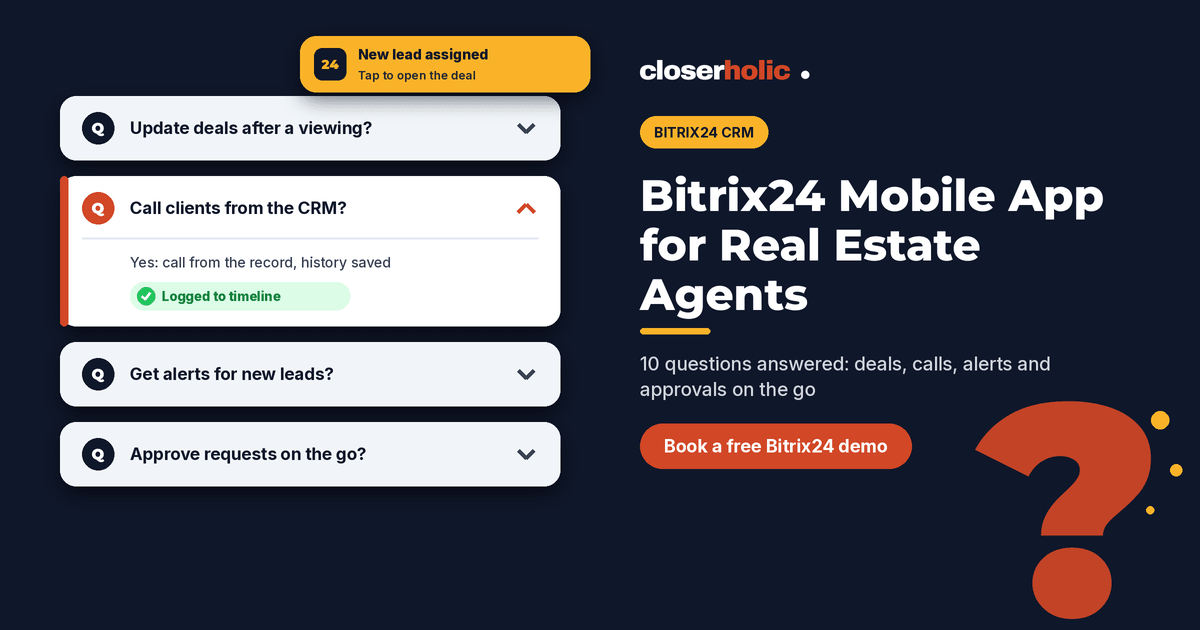
Yes. Bitrix24 explains that you can call customers directly from a CRM record in the mobile app, and the call history is saved automatically. The app supports two calling methods: through your mobile operator, or through Bitrix24 Telephony using "Call using Bitrix24". You can also tap the phone icon in the Kanban view to call without opening the full record.
If you use Bitrix24 Telephony, call recording can be enabled per rented number or connected SIP PBX. Bitrix24 itself advises checking that recording complies with company policy and local laws, and you can play a recording warning to callers before the conversation starts. Take legal advice on call recording for your business before switching it on.
3. Will agents get notified about new leads when the app is closed?
Push notifications in the Bitrix24 mobile app can alert users about new tasks, messages and CRM updates even when the app is closed. Notifications can be customised by section, so an agent can keep CRM alerts on while muting less important feeds. There is also a "Smart notifications" mode that pauses mobile alerts while the person is working in Bitrix24 on a computer, which avoids double alerts.
Tip: decide as a team which CRM events deserve a push notification. If everything buzzes, agents start ignoring all of it.
4. Can agents capture notes and photos on site?
Bitrix24's mobile CRM page describes capturing voice-to-text notes and on-site photos, logging the meeting outcome, and creating the next step (a call, task or meeting) from the deal. For a leasing agent, that might be a quick voice note after a viewing ("tenant wants the unit furnished, flexible on cheques, move-in early next month") and a photo of a maintenance issue to send to the landlord.
5. How do viewings fit in: calendar or CRM?
Both. The mobile app includes the Bitrix24 calendar, where you can create events, invite participants and share available time slots. Viewings can also be planned as activities on the deal, which keeps them visible in the client's timeline. Our post on Bitrix24 tasks and calendar for real estate teams explains how to decide which to use for what.
6. Can managers approve things from their phone?
Yes. Bitrix24 describes approving and processing documents and workflows in the mobile app, including completing several assignments at once, such as approving multiple requests in one action. If your brokerage uses approval steps for discounts, listing sign-off or expense claims, managers do not need to be at their desk to keep things moving.
Want to see the mobile app set up for a real estate pipeline? Book a free 30-minute Bitrix24 demo and we will walk through it on a phone with you.
7. Do our custom property records work on mobile?
Many agencies keep listings or properties in a Smart Process Automation (SPA) item rather than in deals. The Bitrix24 mobile app includes SPA-based automated solutions, where you can create, edit, move and delete items and plan activities for each process. Check how your specific custom fields display on mobile during setup and simplify forms where needed; long desktop forms are hard to use on a small screen.
8. Can agents mark where they are when they start the day?
The app includes a check-in feature that marks the start of the workday with time, location and a photo, visible to the team and manager. Bitrix24 notes that check-in informs the team but does not replace time tracking, which is a separate tool. Some brokerages use it for field teams; others prefer not to. It is a policy decision as much as a software one.
9. Can an agent see everything in the CRM on their phone?
Access is still governed by the CRM access permissions you set for each role. Bitrix24's mobile CRM guide notes, for example, that you can add a new deal stage in the app only if you have sufficient permissions, and its telephony guide states that regular users can only play call recordings from CRM records they have permission to view. Plan your roles before rolling the app out, not after.
10. How do we roll the app out without chaos?
- Trim the deal card. Show the fields agents need on the go: stage, property reference, budget, next activity.
- Set notification rules. Agree which CRM events trigger a push alert.
- Customise the bottom menu. Bitrix24 lets users pick a preset or build their own bottom navigation, so put CRM, chat and calendar within one tap.
- Train on real scenarios. Run through "after a viewing" and "new WhatsApp lead while driving" on actual phones.
- Automate the follow-up. Pair the app with Bitrix24 automation rules for real estate follow-up, so a stage change made on a phone triggers the right next step.
Always check which features are available on your Bitrix24 plan before promising them to the team.
How Closerholic helps
Closerholic implements Bitrix24 for UAE real estate brokerages. We design pipelines and deal cards that work on a phone, set up telephony and notification rules, configure permissions by role, and train agents with the scenarios they face every day, so the CRM is updated where the work happens.