Co-Broke Deals in a Custom Real Estate CRM: Fields, Stages and Approvals
👉 Book a free 30-minute Bitrix24 demo
Co-broke deals are normal in UAE real estate, and they are also where spreadsheets quietly fall apart. Two agencies, two agents, a shared client or landlord, a negotiated split, and a chain of approvals — if any of that lives only in WhatsApp, payouts get delayed and arguments start after the deal closes. A custom real estate CRM should treat co-broke as a first-class process with clear fields, stages and approvals.
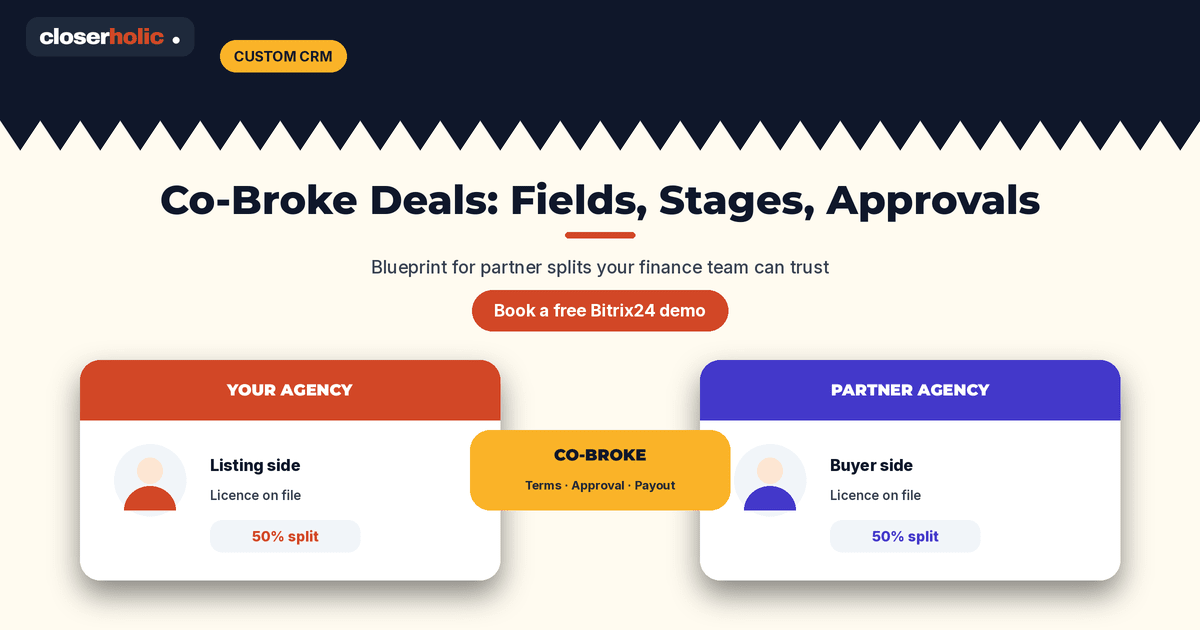
This blueprint shows the fields, stages and approval points to model for co-broke deals in a custom real estate CRM. Use it whether you extend Bitrix24 with Smart Process Automation or another CRM built for brokerages.
What “co-broke” means operationally
For CRM design, define co-broke as any deal where commission or client access is shared with another licensed agency or agent outside your payroll. That includes:
- You hold the mandate; another agency brings the buyer or tenant.
- Another agency holds the mandate; your agent brings the client.
- Both sides introduce parties on an open listing (handle carefully — see exclusive vs open listings).
If you only track “referral” as a note, you will not get reliable commission reports. Model it as structured data.
Core fields on the deal (or co-broke record)
| Field | Type (typical) | Purpose |
|---|---|---|
| Co-broke flag | Yes / No | Drives filters and reporting |
| Our role | List: listing side / buyer side / both | Clarifies who did what |
| Partner agency name | Company link or text | Who you are sharing with |
| Partner agent name | Contact link or text | Day-to-day counterpart |
| Partner licence / RERA details | Text | Compliance pack |
| Introduced by | List: us / them / joint | Dispute prevention |
| Agreed split (us % / them %) | Numbers | Commission calculator input |
| Split basis | List: of gross / of our share / fixed fee | Avoids ambiguous maths |
| Split confirmation | File + date | Email or signed note attached |
| Listing reference | Link to property | Ties money to a unit |
| Client and owner contacts | CRM links | Full party map |
| Expected gross commission | Money | Pipeline forecasting |
| Our net commission | Money (calculated) | What your agency actually earns |
| Payout status | List | Finance tracking |
Keep partner agencies as Company records when you can, so repeat co-brokes accumulate history. For a wider commission design comparison, see commission tracking: spreadsheet vs custom CRM.
Suggested stages for a co-broke-aware pipeline
You can either add stages to your main sales/leasing pipeline or run a linked co-broke checklist. A practical stage set:
- Co-broke identified — flag set; partner details started.
- Terms agreed — split percentages and basis confirmed; confirmation file attached.
- Active negotiation — offer in play; both sides updated.
- Contract / forms in progress — tenancy or sale documents moving.
- Internal approval — manager signs off split and paperwork.
- Closed — awaiting payout — deal won; finance queue.
- Paid / reconciled — our net received and partner share handled per agreement.
If a co-broke dies early, move to a lost stage with a reason (price, client went direct, partner went silent) so patterns show up later.
Want co-broke fields, stages and approvals configured in Bitrix24? Book a free 30-minute Bitrix24 demo and we will map this blueprint to your pipelines.
Approvals that prevent end-of-month drama
Build approval gates at three moments:
- Before marketing a shared deal aggressively: manager confirms the mandate relationship and that the partner is licensed.
- When the split is first agreed: require the confirmation file and percentage fields before the deal can leave “Terms agreed”.
- Before payout: finance or a sales manager checks that contract values, split maths and invoices match.
In Bitrix24, approvals can be modelled with required fields at stages, tasks for managers, or workflow processes depending on your plan and complexity. Keep the first version simple: required fields plus a manager task often beats a heavy workflow nobody finishes.
Permissions and visibility
Co-broke records often contain partner commercial terms. Restrict who can edit split percentages — typically managers and finance — while agents can view enough to operate. Align this with your broader CRM permission design; our notes on Bitrix24 CRM access permissions for brokerages are a useful companion.
Reporting the leadership team will trust
Once fields are structured, you can answer:
- How much pipeline depends on co-broke vs exclusive stock?
- Which partner agencies close with you repeatedly?
- Where splits are stuck waiting on confirmation files?
- What our net commission is after partner shares?
Those questions are almost impossible to answer cleanly from chat threads.
Implementation sequence
- Agree field definitions with sales and finance in one workshop.
- Add fields and stage requirements in a test pipeline.
- Migrate open co-broke deals carefully; do not invent historical splits.
- Train agents on when to flip the co-broke flag (day one, not after closing).
- Run the first month with a weekly audit of incomplete co-broke records.
If you are still choosing between sheets and a proper system, the commission comparison post linked above and our custom CRM guidance for brokerages will help you decide what to build first.
Edge cases worth deciding up front
Write down your policy for three awkward situations before go-live:
- Client came through a portal lead but closed with a partner agency’s help — who owns the CRM deal, and how is the partner recorded?
- Split changes mid-negotiation — require an updated confirmation file and a manager note; never overwrite percentages silently.
- External referral fee that is not a full co-broke — use a separate “referral fee” field so reports do not mix apples and oranges.
Clear policies here save more time than any fancy automation.
How Closerholic helps
Closerholic designs and implements Bitrix24 and custom CRM processes for UAE real estate teams, including co-broke fields, commission tracking, portal listing workflows and approvals. We keep the model practical so agents fill it in and finance can rely on it.