Custom CRM for Real Estate: When a Tailored Bitrix24 Setup Makes Sense
👉 Book a free 30-minute Bitrix24 demo
Off-the-shelf CRMs are built for "sales teams" in general. Real estate isn't general. You're juggling listings and units, buyers and tenants, landlords and developers, portal enquiries, viewings, offers, tenancy contracts and cheques, often all at once. Sooner or later, many agencies find themselves bending their process to fit the software, instead of the other way round.
That's when the idea of a custom CRM for real estate comes up. But "custom" doesn't have to mean building software from scratch. For most UAE agencies, the sweet spot is a tailored setup on a proven platform such as Bitrix24. This post explains when customisation makes sense, what it usually includes, and how to approach it without overcomplicating things.
Signs your current CRM no longer fits
A generic setup usually works fine at first. These are common signs you've outgrown it:
- Agents keep important details in notes fields because there's no proper place for them.
- You track properties or units in a separate spreadsheet that never quite matches the CRM.
- Sales, leasing and off-plan deals are mixed together in one pipeline.
- Rental renewals and cheque dates are managed outside the CRM.
- Managers can't get the reports they need without exporting data and building them by hand.
- Portal leads and listings are handled in different systems with no connection.
If several of these sound familiar, a more tailored setup will probably save your team real time.
Custom build or customised platform?
Building from scratch
A fully bespoke CRM gives you complete control, but you take on everything: design, development, hosting, security, updates and ongoing support. It also takes longer before your team can use it, and every new feature is another development project.
Customising Bitrix24
Bitrix24 already includes CRM, tasks, communication channels, automation and reporting. Customising it means shaping those tools around your process: your fields, your pipelines, your item types, your automation and your integrations. You get a system that feels made for your business, on a platform that's already maintained.
For most real estate agencies, a customised Bitrix24 setup offers the best balance. A bespoke build tends to make sense only when your requirements are truly unusual.
What a tailored real estate CRM usually includes
1. Custom fields that match how you work
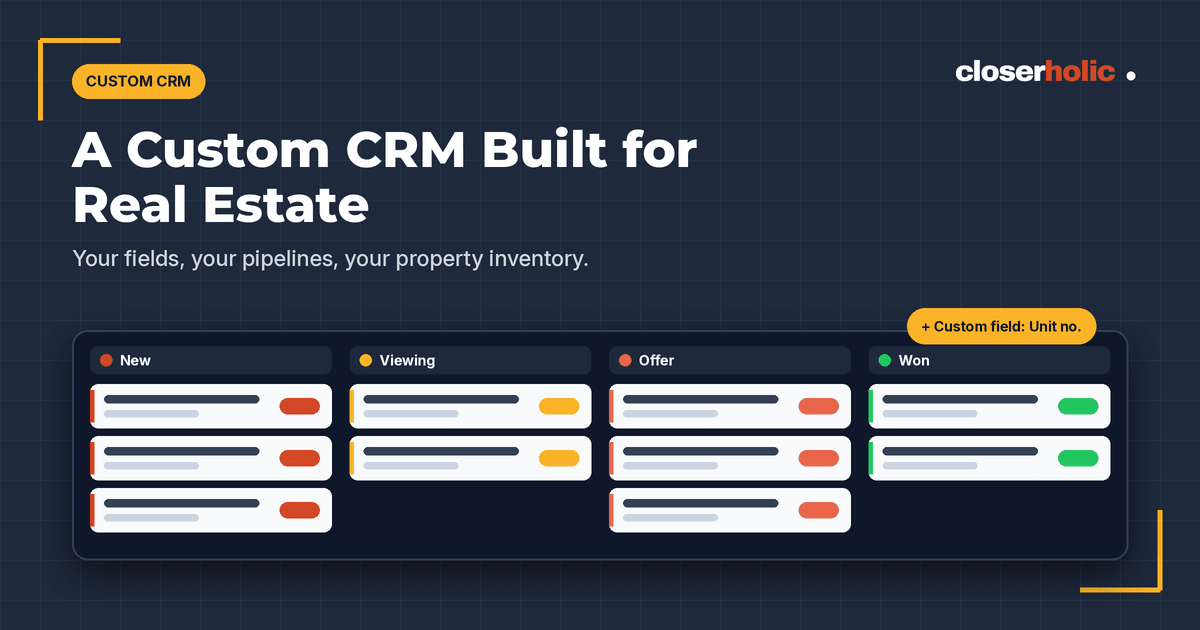
Bitrix24 lets administrators create custom fields on leads, deals, contacts and companies, and fields can be marked as required so key information is always captured. For real estate, that might be community, building, unit type, bedrooms, budget, purpose (buy, rent or invest), ready or off-plan, and source portal.
2. Separate pipelines for each line of business
You can create several sales pipelines in Bitrix24, each with its own stages and automation rules. A typical agency might have pipelines for secondary sales, leasing and off-plan. Sales tunnels can move or copy deals from one pipeline to another, for example from leasing into a post-signing pipeline.
3. A property inventory inside the CRM
This is where customisation really pays off. Bitrix24's Smart Process Automation (SPA) lets you create your own CRM item types, each with its own fields, stages, kanban and list views, and automation rules. Agencies use SPAs for things like:
- Properties or units: building, unit number, size, status (available, reserved, rented, sold), owner details and price.
- Tenancy contracts: start and end dates, rent, renewal status.
- Cheques or payments: due dates, amounts and statuses.
SPA lists can be exported to CSV or Excel when you need to share data. For a ready-made approach, Closerholic's property management application handles units, properties, owners and occupancy inside your CRM environment, and our rental management solution tracks tenancy contracts, renewals, expiries and cheques in one workflow.
Curious what a tailored setup would look like for your agency? Book a free 30-minute Bitrix24 demo and we'll walk through it using your own process.
4. Automation built around your steps
Automation rules run actions when an item reaches a stage, such as creating tasks, sending emails or SMS, generating documents, or changing the responsible person. They're available in leads, deals and SPAs. Triggers move items to another stage when something happens, like a field value changing. For more advanced logic, the Workflow Designer adds actions that aren't available in the standard automation interface, such as loops.
5. Integrations with portals and channels
A tailored CRM should connect to the places your leads and listings live. The Bitrix24 REST API and webhooks make it possible to connect external systems. Closerholic builds portal integrations for Property Finder, Bayut, Dubizzle, Meta, Google and your website, and our listing application lets your team publish, edit, draft, unpublish and delete listings across Property Finder, Bayut, Dubizzle and your website from one platform. We also integrate WhatsApp Business and webmail.
6. Permissions and reporting
Access permissions in Bitrix24 CRM control who can see and edit records, which matters when your client database is one of your most valuable assets. On commercial plans, CRM Analytics provides sales funnels, employee performance and sales trends, with filters on any field, including your custom ones. Closerholic's call analytics tool adds visibility into dials, calls received and call duration.
How to approach a custom CRM project
- Map your process first. Write down how leads, listings, deals and tenancies move through your business today.
- Start with what hurts most. Prioritise the gaps that cost you time or deals, and leave nice-to-haves for later.
- Keep it simple. Every extra field or stage is something agents must maintain. Add only what you'll use.
- Plan your data move. Clean existing spreadsheets before importing. Bitrix24 supports CSV import with field mapping and duplicate handling, and Closerholic's data migration service handles more complex moves.
- Train by role. Agents, team leaders and admin staff need different things. Our training is built around your own setup.
- Review and refine. After a few weeks, ask the team what slows them down and adjust.
For a broader look at why agencies in the region choose this platform, read why UAE real estate agencies are moving to Bitrix24 CRM.
A CRM that fits your business
You shouldn't have to work around your CRM. With custom fields, dedicated pipelines, a property inventory and the right integrations, Bitrix24 can be shaped into a real estate CRM that fits the way your team already works, without the cost and risk of building from scratch.