Featured Listing Credits: Choosing What to Boost on Property Finder, Bayut and Dubizzle
👉 Book a free 30-minute Bitrix24 demo
Featured and premium credits on Property Finder, Bayut and Dubizzle can help the right listing get seen — or they can burn budget on a unit that was never going to move this week. The difference is rarely the portal brand. It is whether your team has a clear rule for which listings deserve a boost, and whether that decision is recorded somewhere other than a group chat.
This decision guide gives UAE brokerages a practical framework for spending featured listing credits across Property Finder, Bayut and Dubizzle, tied back to CRM data you already should be tracking.
Credits are a spotlight, not a fix
Boosting a listing cannot repair weak photos, an unclear title, a wrong size or an unrealistic price. Treat credits as amplification for listings that already pass a basic quality bar. If a unit fails the weekly performance review, fix presentation or price first — our portal listing performance review template is the right starting point.
A simple decision framework
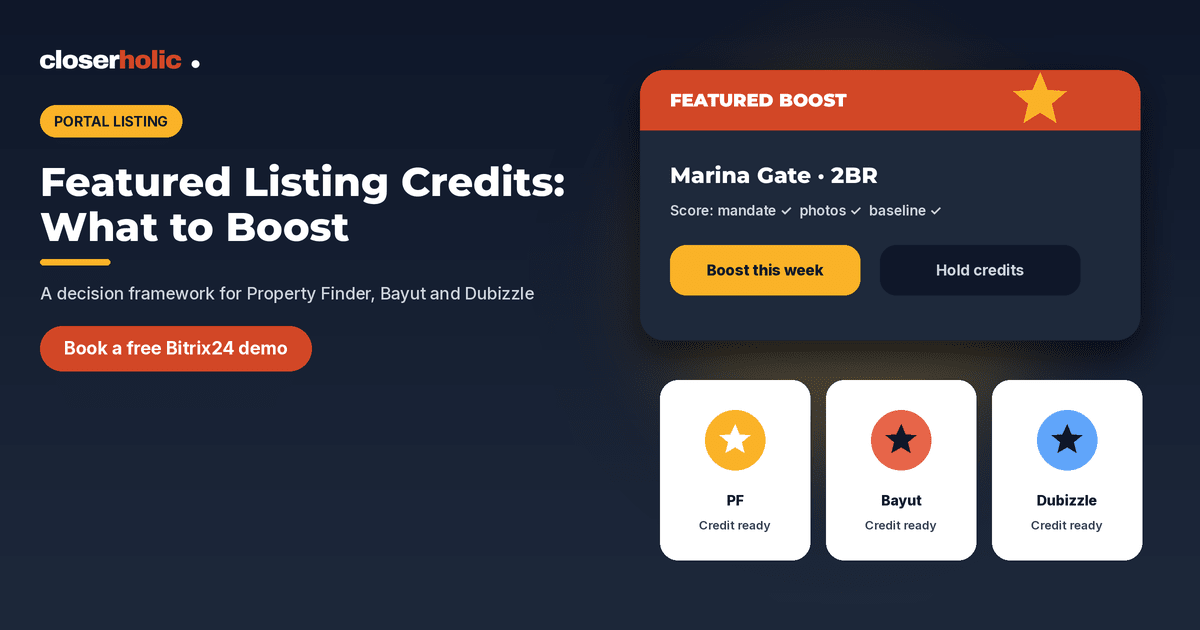
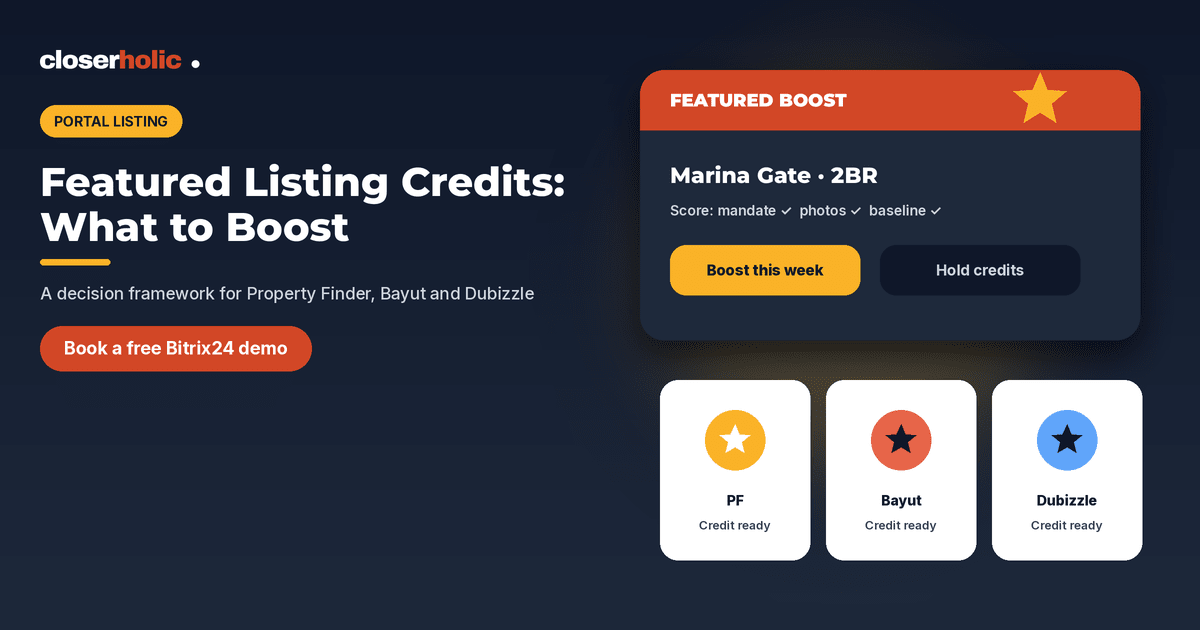
Score each candidate listing before you spend a credit. Use yes/no or a 0–2 score on each row, then boost only the ones that clear your threshold.
| Question | Why it matters |
|---|---|
| Is the mandate active and documents in order? | Never boost a listing you may have to pull tomorrow |
| Are photos, title and facts accurate on every portal? | Credits multiply whatever is already live |
| Has the listing been live long enough to show a baseline? | Brand-new units need a day or two of normal exposure first |
| Are enquiries weak relative to similar units? | Boosting a quiet listing can be diagnostic — or wasted |
| Is the owner engaged on price and access? | Extra calls help only if viewings can be booked |
| Does this community or type match your current buyer pool? | Credits work better when demand already exists |
| Do you have credit left for a true priority this week? | Save some budget for fresh exclusive stock |
Choosing what to boost: four common cases
1. Fresh exclusive or strong mandate
New exclusive stock often deserves an early spotlight so the market sees it while photos are still current. Boost once quality checks pass, then watch enquiry quality for 48–72 hours before buying more of the same.
2. Good unit, quiet portals
If comparable listings in the same building are getting interest and yours is not, a short featured burst can test whether visibility was the bottleneck. If nothing changes, look at price and creative next — not another week of the same boost.
3. Price improvement just agreed
When an owner accepts a meaningful price change, refresh the listing everywhere first, then consider a featured credit so the new price is not buried under older impressions. Keep CRM and portals in sync using the approach in listing sync across Property Finder, Bayut and Dubizzle.
4. Do not boost
Skip credits when the unit is under offer, when photos are being reshot, when the advertising permit is unclear, or when the owner will not allow viewings. Also be careful boosting open listings where several agencies compete on the same unit — see exclusive vs open listings in CRM and portals.
Want listing credits, statuses and portal publish history tracked in one CRM? Book a free 30-minute Bitrix24 demo and we will show a real estate setup that ties boosts to listing performance.
Portal mix: think in roles, not favourites
Each portal reaches overlapping but not identical audiences. Instead of always boosting the same channel, ask:
- Where did recent closed deals in this community originate? Use your CRM source field, not memory.
- Where is this listing already ranking weakly? A credit on a portal that already sends steady enquiries may do less than a credit where you are invisible.
- What does your package allow this month? Plan featured slots weekly so one eager agent does not empty the balance on day two.
Keep Property Finder, Bayut and Dubizzle as separate CRM sources so you can compare them honestly in the weekly review.
Operational checklist before you click “feature”
- Confirm the listing is identical across portals (price, size, title, permit details).
- Confirm the CRM listing status is Active and the boost reason is noted on the record.
- Assign an owner for follow-up on the extra enquiries — credits without response capacity waste money.
- Set a review date (for example 3 or 7 days) to decide renew, switch portal, or stop.
- Log credit spend against the listing so finance and listings managers see the same numbers.
Common publish mistakes that sabotage boosts are listed in CRM portal listing mistakes in the UAE.
How to talk about credits in the team meeting
Replace “who wants a feature this week?” with a short agenda:
- Listings that scored highest on the framework.
- Credits remaining per portal package.
- Results from last week’s boosted units (enquiries, viewings, offers).
- Owners who need a price or access conversation before any boost.
When the discussion is grounded in CRM rows, fewer credits go to the loudest request in the room.
Credits and the weekly performance loop
Featured credits work best when they sit inside the same weekly rhythm as your listing review. After each boost period, record three outcomes on the listing: enquiries attributed to that portal, viewings booked, and whether you renewed the credit. Over a few weeks you will see which communities and property types repay a spotlight and which ones only respond to price or creative changes.
Share that history with owners when you ask for a price adjustment. A calm record of “we featured it for seven days, received X serious enquiries, booked Y viewings” is more persuasive than a vague claim that the market is slow.
How Closerholic helps
Closerholic implements Bitrix24 for UAE real estate teams and connects listing workflows to Property Finder, Bayut and Dubizzle. We help you capture portal sources, listing performance and boost decisions in one place so featured credits support your pipeline instead of competing with it.