Custom CRM for Holiday Home Operators in Dubai: A Blueprint
👉 Book a free 30-minute Bitrix24 demo
Running holiday homes in Dubai is a different business from long-term leasing. Instead of one tenant per year, each unit can see a stream of guests, cleanings, maintenance visits and owner questions. Many operators start with a channel manager for bookings, a spreadsheet for owners, a WhatsApp group for housekeeping and a shared folder for permits. It works for ten units. At fifty, things start slipping through the gaps.
A CRM built around how a holiday home operator actually works can pull those pieces together. This blueprint lays out the records, pipelines, automations and reports to plan for, so you can scope a custom CRM, whether you build it on Bitrix24 or brief a developer.
First, what a holiday home CRM is (and is not)
Your booking platforms and channel manager already handle availability, rates and guest reservations. The CRM should not try to replace them. Its job is everything around the booking: winning and onboarding owners, keeping each unit compliant and guest-ready, coordinating the team, and reporting back to owners. Think of it as the operating system for your portfolio, with bookings as one input.
Part 1: The core records
Owners
Owners are your real clients. Store them as contacts with the details you need to serve them: preferred language, communication channel, documents on file, and the units they own. One owner may have several units, so link them rather than duplicating the owner on each one.
Units
Each apartment or villa deserves its own record, not a line in a spreadsheet. Useful fields include community, building, unit number, bedrooms, maximum guests, amenities, access instructions, Wi-Fi details for housekeeping, and the management agreement start and end dates.
Permits and compliance
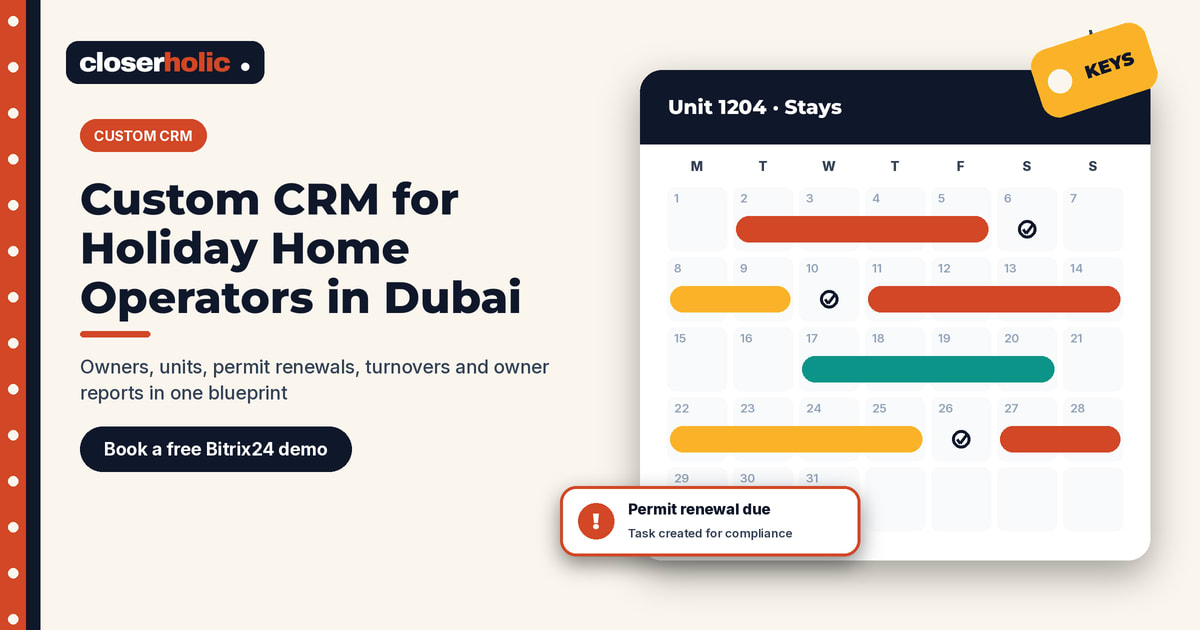
In Dubai, holiday homes are regulated by the Department of Economy and Tourism (DET). Operators register with DET, and each unit needs its own holiday home permit, which must be renewed. Store the permit number, issue date, expiry date and supporting documents on the unit record. Requirements can change, so check DET's current guidance when you design these fields.
Guests
Decide early how much guest data you need in the CRM. Some operators only keep repeat or direct-booking guests; others log every stay for service history. Whatever you choose, keep it consistent and collect only what you need.
Part 2: The pipelines
Owner acquisition
Stages such as: Enquiry → Property assessment → Proposal sent → Agreement signed → Onboarding. This is your sales pipeline, and it works much like a brokerage pipeline. Our post on designing pipelines in a custom real estate CRM covers the principles of stage design.
Unit onboarding
Stages such as: Documents collected → Permit applied → Permit issued → Furnishing and photos → Listed → Live. Each stage has a clear owner and required fields, so a unit cannot be marked "Live" without a permit number and expiry date. In Bitrix24, fields can be made required for selected stages only, which suits this kind of gate.
Turnover and maintenance
Every checkout triggers work: cleaning, linen, inspection and, sometimes, a repair. Model these as tasks or as a small pipeline per job, linked to the unit: Requested → Assigned → In progress → Done → Checked. That gives you a history of every visit and issue per unit.
Want to see how this could look for your portfolio? Book a free 30-minute Bitrix24 demo and we will map your owners, units and turnovers into a working CRM structure.
Part 3: The automations worth building first
- Permit expiry reminders: a task to the compliance owner well before each unit's permit expires, with a second reminder if nothing has changed.
- Agreement renewal reminders: a heads-up to the account manager before a management agreement ends, so the renewal conversation happens on time.
- Checkout to cleaning: when a stay ends, a cleaning task is created for the right team with the unit's access notes attached.
- Issue escalation: if a maintenance job stays open past an agreed time, the operations manager is notified.
- Owner onboarding checklist: when an agreement is signed, the onboarding steps are created automatically with owners and due dates.
In Bitrix24, these are typically built with automation rules on each stage. We explain the basics in our guide to Bitrix24 automation rules for real estate.
Part 4: Owner reporting
Owners want to know how their unit is doing without chasing you. Plan the monthly owner update from the start:
- Stays and occupancy for the period, taken from your booking data.
- Maintenance carried out and any open issues.
- Upcoming items such as permit or agreement renewals.
- The statement itself, prepared by your finance process.
Your CRM can generate the non-financial parts as a document and log that it was sent. Keep the figures coming from a single source of truth, usually your accounting or channel management system, rather than retyping them.
Part 5: Dashboards for the operations team
- Units by onboarding stage, and how long each has been stuck.
- Permits expiring in the next 30, 60 and 90 days.
- Open maintenance jobs by unit, team and age.
- Owner leads by source and stage.
Build it on Bitrix24 or from scratch?
Most of this blueprint can be built on Bitrix24 using custom fields, smart processes for units, permits or maintenance jobs, stage-based required fields, automation rules, tasks and document templates. A fully custom build makes sense when you need deep, two-way connections to specific booking systems or a dedicated owner portal. Our article on when a tailored CRM setup makes sense helps you weigh that choice, and our custom CRM myths post clears up common misconceptions.
A sensible build order
- Owners and units as linked records.
- Permit fields and expiry reminders.
- The owner acquisition pipeline.
- Turnover and maintenance jobs.
- Owner reporting and dashboards.
Launch each step, let the team use it for a few weeks, then add the next.
How Closerholic helps
Closerholic designs and builds custom real estate CRM setups on Bitrix24 for UAE businesses, including holiday home operators. We model your owners, units, permits and maintenance work, automate the reminders that keep your portfolio compliant, and set up the reports your owners and operations team need.