Owner Updates That Build Trust: Landlord Reporting in a Custom Real Estate CRM
👉 Book a free 30-minute Bitrix24 demo
Ask a landlord why they moved their property to another agency, and the answer is rarely about commission. More often it sounds like this: "I never knew what was happening." No feedback after viewings, no news on the price, no reply when they chased. The listing may have been well marketed, but the owner felt left in the dark.
Regular, honest owner updates are one of the cheapest ways to protect a relationship. The challenge is doing them consistently when agents are busy. This guide shows how to build landlord reporting in a custom real estate CRM, so updates become a routine your system reminds people about, not a favour someone remembers to do. The examples are illustrative, and the Bitrix24 features mentioned come from Bitrix24's own help documentation.
What owners actually want to know
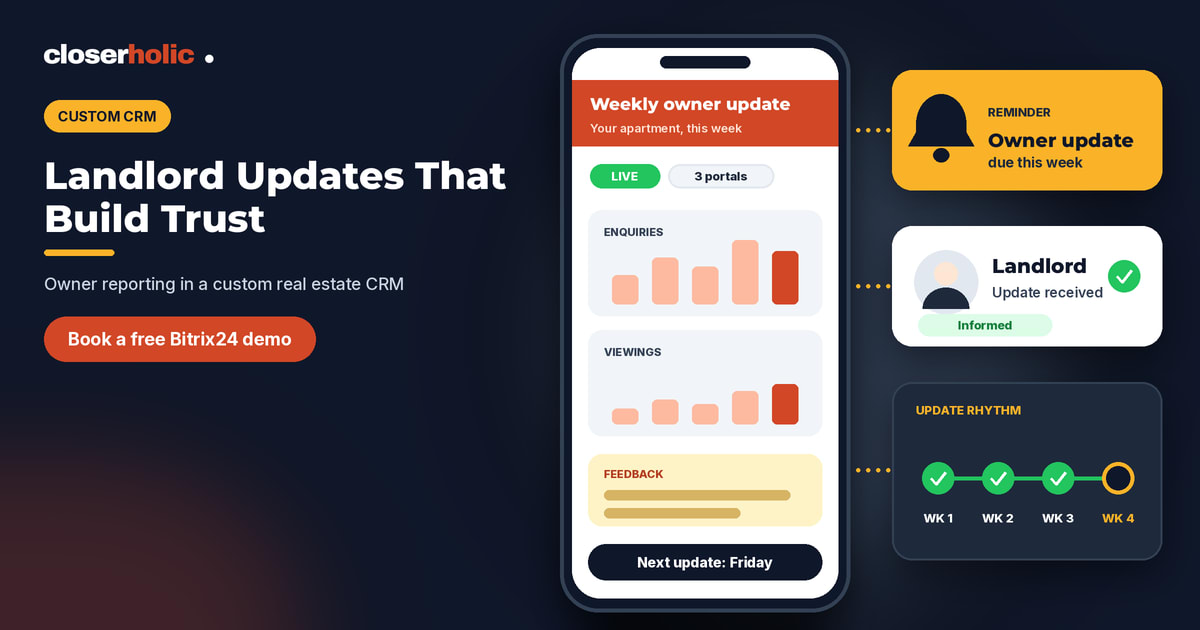
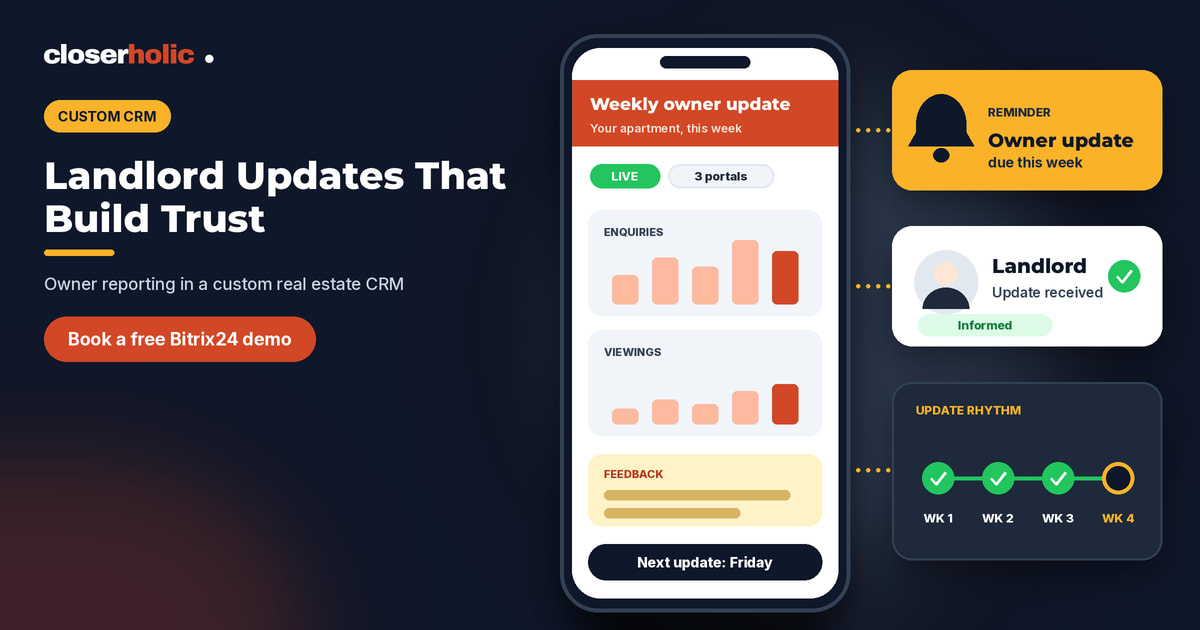
You do not need a 20-page report. Most owners want a short answer to five questions:
- Is my property live, and where is it advertised?
- How much interest is there? For example, enquiries received and viewings held.
- What did people say? Honest, summarised feedback from viewers.
- Is the price or condition holding us back? Your recommendation, with reasons.
- What happens next, and when will they hear from you again?
If your CRM can answer these in a minute, an agent can send a good update in five. Be careful to report only what you actually track, and never invent or round up numbers to make a week look better than it was.
Step 1: Give every property its own record
The foundation is a property record that is separate from the contact. Bitrix24's Smart Process Automation (SPA) lets you create custom CRM items with their own form, pipelines, stages and access permissions. Bitrix24's own documentation uses a real estate example: each apartment has a form with fields such as address, number of rooms and owner, which helps keep a clear property database.
For reporting, add fields that make updates easy to write, for example:
- Owner, linked to the contact record
- Listing status and the date it went live
- Asking price and a short price history note
- Last owner update date and the next planned date
- Agent notes for viewer feedback
Custom fields in an SPA can be required, can allow several values and can be limited to selected users. Only administrators and employees with permission to edit CRM settings can create them, so agree the field list before you ask for changes.
Step 2: Link viewings and feedback to the property
Updates are only as good as the records behind them. When an agent holds a viewing, they should log the visit and a two-line comment on the same day. If your viewing flow is not tidy yet, start with our guide to designing viewing-to-offer pipelines in a custom real estate CRM. A simple rule helps here: no viewing is complete until the feedback line is entered.
Step 3: Build the update rhythm with stages and reminders
SPA supports Kanban stages and automation rules and triggers that can create tasks, send notifications and emails. You can use that to build a gentle rhythm around each listing. An illustrative setup:
- Just listed: task for the agent to confirm to the owner where the property is advertised.
- Live, week 1: reminder to send a first interest summary.
- Live, ongoing: a repeat reminder every one or two weeks, with the interval agreed with the owner.
- Price discussion: task for the manager to join the conversation when there has been no movement for a period you choose.
- Under offer: daily check-in until the next step is clear.
Tasks and calendar items can be connected to SPA items, so a reminder appears in the agent's normal task list. Our post on Bitrix24 tasks and calendar for real estate teams shows how to keep that list manageable.
Step 4: Use a standard update template
Consistency builds trust, and a template saves effort. Here is an illustrative owner update that an agent can paste into an email or WhatsApp message and edit:
Hi [Owner name], here is this week's update on [Property].
Status: live on [channels].
Interest: [number] enquiries and [number] viewings since [date].
Feedback: [two or three honest points].
Recommendation: [keep, adjust price, refresh photos, extend viewing hours] because [reason].
Next update: [date].
Keep the tone warm and factual. If the feedback is negative, say so kindly, and pair it with a suggested action.
Step 5: Control who sees what
Owner information is sensitive. SPA items have their own access permissions, which an administrator configures through CRM access permissions. In Bitrix24, you can limit access to a user's own items, their department's items or all items, and you can use stage-level permissions too. Decide who may see owner phone numbers and price notes, and who may edit them. Our guide to custom CRM fields and pipelines explains why these decisions are worth making early.
Step 6: Review the habit monthly
Once a month, a manager should look at three simple measures:
- How many active listings have not had an owner update inside the agreed interval?
- Which listings have had many viewings but no offers, and what is the recommendation?
- Which owners have asked a question that is still unanswered?
These are quick checks that catch problems before they become cancellations. If you are also tracking tenancy renewals, the same property record can power both routines. See our guide to tracking tenancy renewals in a custom real estate CRM.
Common mistakes to avoid
- Only updating when there is good news. Owners notice silence.
- Sending numbers you cannot back up. Report what your CRM shows, nothing more.
- Making updates a private habit. If the details live in one agent's phone, another agent cannot cover a holiday.
- Over-engineering on day one. Start with five fields and one reminder, then improve.
How Closerholic helps
Closerholic designs and implements custom Bitrix24 CRM setups for real estate teams in the UAE and GCC. We can model your property records, build the stages and reminders, set the permissions and train your agents on the routine. If you would like to see how an owner-update workflow could look in your own CRM, a short demo is a good place to begin, and our overview of when a tailored Bitrix24 setup makes sense is a helpful read beforehand.