Mortgage Status Tracking in a Custom Real Estate CRM: A Blueprint
👉 Book a free 30-minute Bitrix24 demo
The buyer loves the apartment. The viewing went well. Then the deal slows to a crawl while everyone waits on "the mortgage". The agent updates the deal stage by guesswork. The manager cannot see whether the file is with the bank, missing documents or simply waiting on a valuation. The owner hears "finance is in progress" for three weeks running.
Mortgage and finance status is not a separate product. It is a set of fields, stages and tasks that should sit alongside the sales deal in a custom real estate CRM. This blueprint shows what to track, how to keep bank details out of the wrong hands and how to give owners a truthful update without inventing timelines or approval rates.
Why finance needs its own lane (without leaving the deal)
Some teams open a second spreadsheet for mortgage files. Others bury notes in WhatsApp. Both hide the link between unit, buyer and finance progress. In a custom CRM you keep one deal for the purchase, then add a finance subsection (or a linked smart-process record) that answers:
- Is the buyer cash, mortgage or undecided?
- Which bank or broker is in play?
- What is the latest status date?
- What document is blocking progress?
- Who owns the next action — agent, buyer, broker or bank?
That structure complements a clear viewing-to-offer pipeline: finance visibility matters most after an offer is serious, not at first enquiry.
Fields to capture on day one of serious interest
| Field | Why it matters |
|---|---|
| Payment type | Cash / mortgage / mixed — drives which stages appear |
| Pre-approval status | None / applied / received / expired |
| Pre-approval expiry date | Stops agents quoting a stale letter |
| Preferred bank or broker | One primary contact path |
| Finance owner (internal) | Which agent or coordinator chases updates |
| Buyer consent to share file | Needed before you speak to a broker about their case |
Do not store full Emirates ID images, salary certificates or bank statements in a wide-open field if your permissions model cannot lock them down. Prefer secure file fields with role-based access, aligned with how you already think about CRM access permissions.
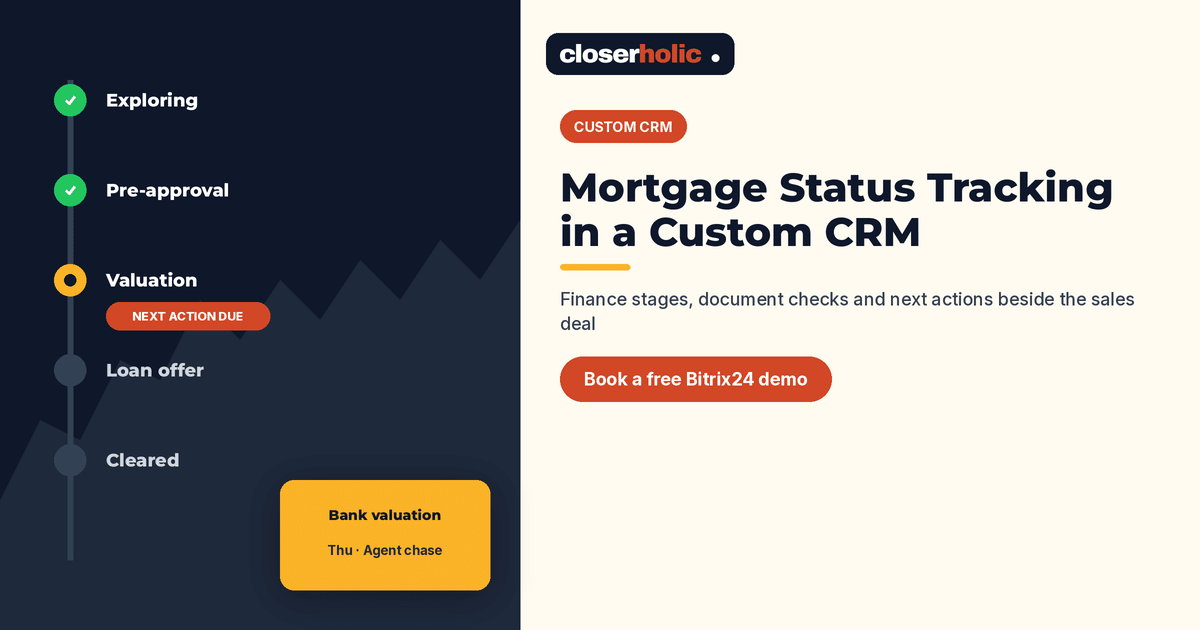
A practical finance stage list
Use stages that describe reality, not optimism:
- Cash confirmed — no mortgage path required
- Mortgage exploring — buyer still choosing bank or broker
- Pre-approval in progress
- Pre-approval in hand
- Valuation booked / done
- Final offer with bank
- Loan offer issued
- Conditions outstanding — list the blockers
- Cleared to proceed
- Finance fallen through — with reason code
Map each stage to a next-action date. If the date passes with no update, create a task for the finance owner. Automation can remind; it should not pretend the bank replied.
Document checklist as structured data
Replace "docs pending" with a checklist on the deal or linked record:
- Application form submitted
- ID and visa copies received
- Income evidence received
- Bank statements received (as required)
- Liability letter / NOC items if relevant
- Valuation paid / scheduled
- Insurance requirements noted
Each line needs a status and a received-on date. That is what you show in an owner update when they ask why the MOU has not moved.
Want a finance lane designed on Bitrix24 next to your sales pipeline? Book a free 30-minute Bitrix24 demo.
How agents should update (and what they should never invent)
- Log every broker or bank conversation on the deal timeline with date and outcome.
- Change stage only when evidence exists (email, portal message or call note).
- Never quote a guaranteed approval date or success rate to an owner or buyer.
- If the buyer goes silent, move to a waiting stage and set a follow-up task — do not leave the deal on "final offer" for weeks.
Reporting managers actually use
Build one saved view: active mortgage deals, grouped by finance stage, sorted by next-action date. Add columns for community, asking price band and days since last finance update. This is enough for a Monday meeting. You do not need a vanity dashboard.
Optional second view: finance fallen through in the last quarter, with reason codes (valuation gap, income, buyer changed mind, rate, documents incomplete). Use it to coach, not to invent market statistics for marketing.
Handoffs when the agent changes
Finance threads are fragile during leave and resignations. Include finance owner, broker contact and outstanding checklist items in your custom CRM handover habits so a live mortgage file does not vanish into a personal inbox.
Working with mortgage brokers without losing the thread
Many UAE deals involve an external mortgage broker. Your CRM should still be the system of record. Add a company or contact record for the broker, link it to the deal and log introductions with consent. When the broker sends an update by WhatsApp, the finance owner pastes a short summary onto the deal the same day. That habit matters more than any fancy bank integration.
Agree a simple rule with your brokers: status changes that affect the owner conversation (valuation done, conditions outstanding, offer issued) must reach the assigned agent within one business day. If updates only live in the broker's inbox, your custom CRM will look empty and managers will stop trusting it.
Cash buyers still need a short path
Not every deal is a mortgage. Cash-confirmed deals should move through a short confirmation checklist: source of funds conversation as required by your compliance process, proof preferences your directors set and a clear note that no bank valuation is expected. Putting cash deals on the same board as mortgage deals without a payment-type filter creates noise. Filter the Monday view by payment type so cash and mortgage conversations stay separate.
Where to start
Pick ten open deals that depend on mortgages. Add payment type, finance stage and next-action date only. After two weeks, add the document checklist. Then decide whether a linked smart process is worth it for brokerages with a dedicated mortgage coordinator.
Closerholic designs custom real estate CRMs on Bitrix24 for UAE agencies, including sales pipelines, listing records and finance-status fields that respect permissions. If your deals stall in a fog of "bank pending", we can sketch the lane on a short call.