Property Video Shot List: A Simple Guide for UAE Agencies
👉 Book a free 30-minute consultation
A buyer cannot walk through your listing at 11 pm, but they can watch a short video of it. Video helps people picture the space, understand the layout and decide whether a viewing is worth their time. The problem for most agencies is not the camera. It is knowing what to film, so every agent returns with a different clip and an hour of editing ahead.
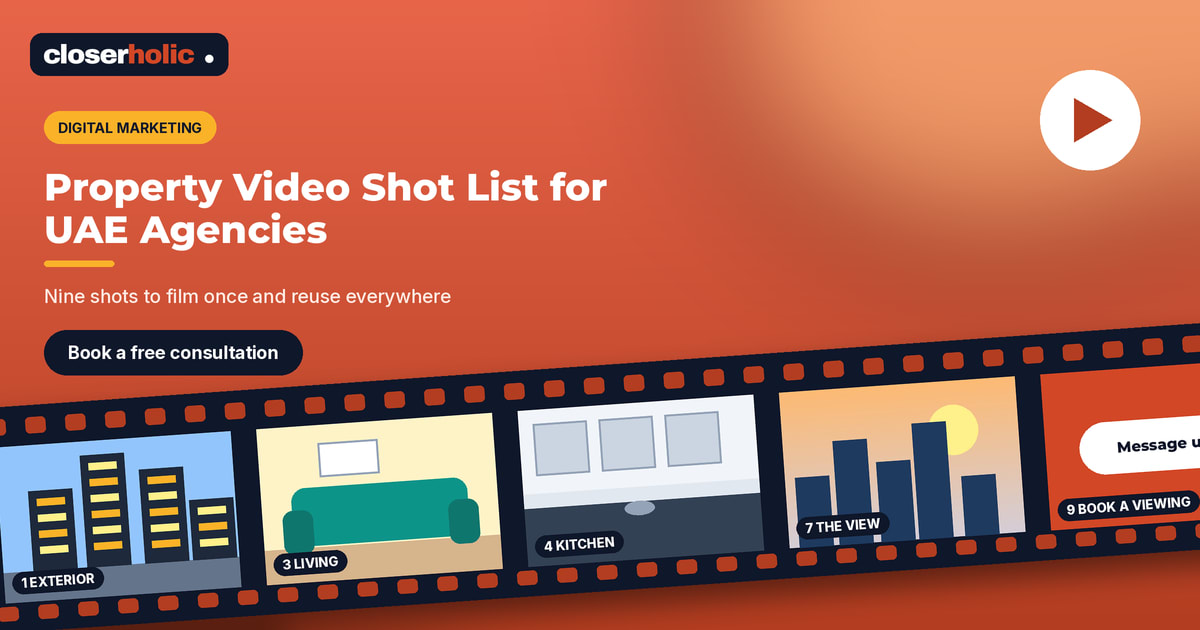
This guide gives UAE real estate agencies a simple property video shot list: what to capture, in what order, how long each shot should be, and how to turn one filming visit into content for your website, portals, ads and social channels. It uses a smartphone-friendly approach and makes no promises about results, because every market and listing is different.
Why a shot list beats "just film everything"
Without a plan, agents film long, shaky walk-throughs that are hard to edit and harder to watch. A shot list does three jobs:
- It keeps videos consistent, so your brand looks the same whichever agent filmed the unit.
- It saves time on site, because the agent knows when the filming is finished.
- It gives your marketing team reusable pieces, such as a 15-second teaser, a full tour and a few stills.
Before you arrive: the 10-minute prep
- Get permission. Confirm with the owner or tenant that filming is fine, and agree what should be tidied or hidden.
- Check the listing facts. Know the unit number, view, floor and key features so what you say matches the listing.
- Choose your time. Daylight usually flatters interiors. Open the curtains, switch on lights and turn off ceiling fans.
- Clean the lens and charge the phone. It sounds obvious, and it is the most common cause of soft footage.
- Decide the format. Film vertical for social stories and short clips, and horizontal for your website and longer tours. If you can only choose one, plan which channel matters most.
The shot list
Use this as your default order. Times are rough guides for each clip, not rules.
| # | Shot | What to capture | Suggested length |
|---|---|---|---|
| 1 | Exterior or building entrance | The tower or villa frontage, the entrance and any signage that helps people recognise it | 5 to 8 seconds |
| 2 | Arrival | The front door opening onto the main living space | 4 to 6 seconds |
| 3 | Living area | A slow pan from one corner, showing the size and natural light | 8 to 10 seconds |
| 4 | Kitchen | Counters, appliances and storage, filmed from a doorway or corner | 6 to 8 seconds |
| 5 | Bedrooms | One clip per bedroom, starting with the master and ending on the wardrobe or en-suite | 5 to 7 seconds each |
| 6 | Bathrooms | One tidy clip per bathroom, with lids down and surfaces clear | 4 to 5 seconds each |
| 7 | The view | The balcony or window view, filmed at a steady pace so the viewer can read the skyline | 8 to 10 seconds |
| 8 | Amenities | Pool, gym, parking or play area, if the owner and building allow filming | 4 to 6 seconds each |
| 9 | Closing frame | A steady shot of the best feature, followed by your logo and contact line on screen | 4 to 5 seconds |
Filming tips that make a visible difference
- Move slowly. A pan that feels too slow on the phone usually looks right on playback.
- Keep the phone level. Vertical lines should stay vertical. A small tripod or gimbal helps, but steady hands work too.
- Film more than you need. Hold each clip a couple of seconds longer so editing is easy.
- Avoid showing private details. Check frames for family photos, documents and visible number plates.
- Record clean sound. If you add voice later, film without talking and record a voiceover afterwards, so background noise does not spoil the clip.
One filming visit, four assets
Plan the edit before you film. From the same footage you can create:
- A 15-second teaser using shots 1, 3, 7 and 9, for social feeds and ads.
- A full tour with every shot in order, for the listing page and for sharing with enquirers who ask for more detail.
- A view-only clip that highlights what makes the unit special.
- Still frames exported from the best moments, to refresh listing galleries and social posts.
Add captions and a clear next step
Many people watch video with the sound off, so add short on-screen text with the community, bedrooms and one standout feature. Finish every video with a single clear action, such as "Message us to book a viewing", rather than a list of options. Make sure the claims on screen match the listing exactly.
Track what each video does
Video only helps your business if you can see whether it leads to enquiries. Give each video link a consistent campaign name, so you can tell later which clip brought in a message or call. Our UTM naming template for UAE property campaigns shows a simple way to do this, and our guide to Google Ads vs Meta Ads for UAE property leads helps you decide where paid promotion might fit. For organic posting ideas, see the LinkedIn content plan for UAE brokerages.
A simple weekly rhythm
- Monday: choose two or three listings worth filming this week.
- Tuesday and Wednesday: film using the shot list, one unit at a time.
- Thursday: edit, caption and check facts against the listing.
- Friday: publish, share and note which links and channels were used.
If a clip leads to enquiries, they should be followed up quickly. Pair video with a clear nurture routine, as described in our FAQ on property lead nurture emails.
How Closerholic can help
Closerholic supports UAE and GCC real estate businesses with digital marketing, from SEO and advertising to lead nurturing and tracking. We can help you decide where property video fits into your plan, set up campaign tracking, and make sure every enquiry reaches your CRM. If you would like to talk it through, a short consultation is the easiest first step.