Real Estate Website Launch Checklist: 20 Tests Before Go-Live
👉 Book a free 30-minute Bitrix24 demo
Launch day is exciting and, if you are honest, a little nerve-racking. The design is approved, the listings are loaded and the team has been told to expect enquiries. Then a contact form sends emails to a developer's old address, the Arabic version shows English placeholders, and half the property photos are 8 MB each. None of these are hard problems, but all are embarrassing when they happen live.
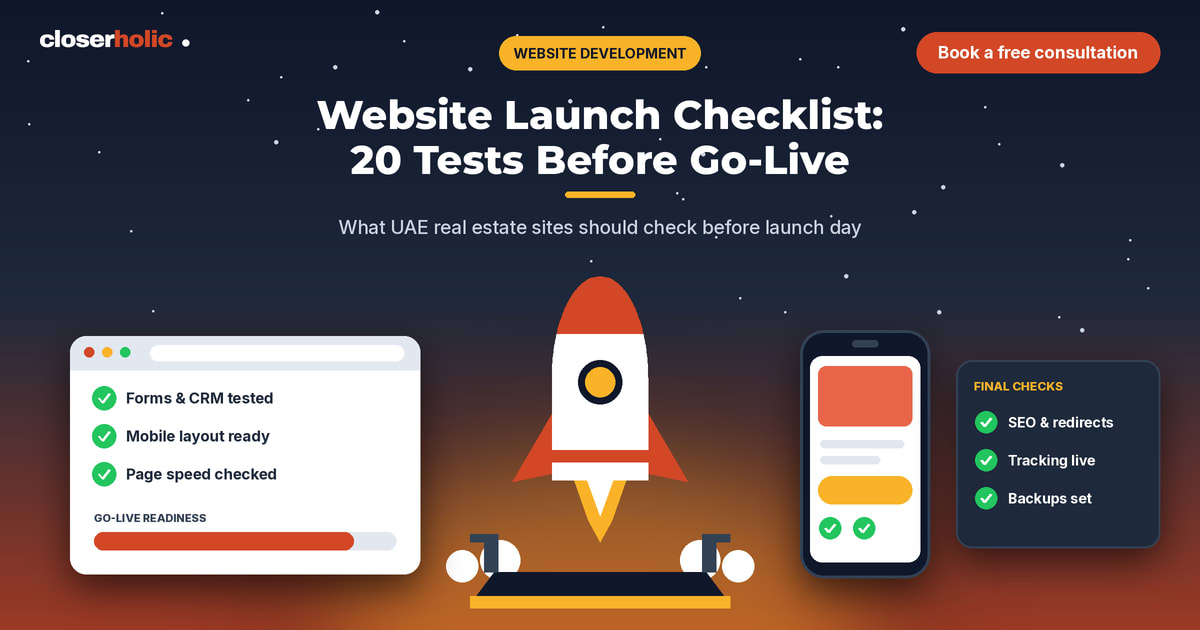
This real estate website launch checklist gives UAE and GCC agencies twenty practical tests to run before go-live. Work through them in order, assign each test to a named person and do not launch until every item is either passed or consciously accepted as a known issue.
How to use this checklist
- Run the tests on the staging or pre-launch version first, then repeat the critical ones on the live site right after launch.
- Test on at least one iPhone, one Android phone and one desktop browser.
- Write down who tested what and when. A shared sheet is enough.
Section A: Content and structure (tests 1 to 5)
- Placeholder text is gone. Search the whole site for "lorem", "sample", "test" and "TBD." Check images, footers, alt text and page titles too.
- Every menu item opens the right page. Click all links in the header, footer and mobile menu. Fix any dead ends.
- Property information is accurate. Compare a sample of listings against your CRM or source records: price, size, bedrooms, status and reference. Use the same discipline we describe in our property detail page checklist.
- Agent and company details are correct. Names, photos, phone numbers, licence details where relevant, office address and opening hours.
- Legal pages exist. Privacy policy, terms and cookie notice, reviewed by whoever advises your business on UAE requirements.
Section B: Language and design (tests 6 to 8)
- Arabic and English both work. If the site is bilingual, check text direction, alignment, menus, forms and error messages in both languages. See our Arabic and English website decision guide if you are still choosing an approach.
- Mobile layout holds up. Check the homepage, search, a listing page and the contact form on small screens. Buttons should be easy to tap, and text should be readable without zooming.
- Images look sharp and load. No stretched, blurry or missing images, and no unusually heavy files.
Want a launch review before your site goes live? Book a free 30-minute Bitrix24 demo and we will talk through your checklist and any gaps.
Section C: Forms and lead capture (tests 9 to 13)
- Every form submits. Fill in each form on the site (contact, property enquiry, valuation request, newsletter) and confirm the success message appears.
- Enquiries reach the right place. The test submission should arrive in your CRM or the correct inbox, not a developer's mailbox. Include the property reference where the form was on a listing page.
- Source is captured. Confirm the lead record notes the page, form or campaign it came from.
- Spam protection works without blocking real people. Test with a normal submission and a deliberately incomplete one.
- Phone, email and WhatsApp links work. Tap each on a phone. A prefilled WhatsApp message with the property reference is helpful.
Section D: Speed and technical health (tests 14 to 17)
- Pages load reasonably on mobile data. Test on a normal mobile connection, not only office Wi-Fi. For common misconceptions about speed, see real estate website speed myths.
- HTTPS is active everywhere. No browser warnings, and the non-secure address redirects to the secure one.
- Redirects from the old site are in place. If you are replacing an existing website, map old URLs to the new ones so you do not lose enquiries or search visibility. Our guide on redesigning a real estate website without losing leads goes deeper.
- Search engines are allowed in. Make sure any "do not index" setting used on staging has been removed, and that a sitemap is available.
Section E: Tracking and handover (tests 18 to 20)
- Analytics and ad tags fire. Confirm that page views and form submissions are recorded in your analytics setup, and that any advertising tags you use are firing once, not twice.
- Admin access is sorted. Named logins for the right people, strong passwords and no shared accounts left from the build period.
- Backup and support plan exist. Know who looks after the site after launch, how to reach them and how changes are requested.
The fifteen-minute live check after launch
Immediately after go-live, run a short smoke test on the real address:
- Open the homepage, a listing and the contact page on your phone.
- Submit one real enquiry form and confirm it arrives.
- Click the phone and WhatsApp buttons.
- Check that the old address redirects, if relevant.
- Confirm that analytics shows your own visit.
Launch day roles
A calm launch usually has named owners:
- Project lead: decides go or no-go.
- Content owner: checks text, images and listings.
- Technical owner: handles hosting, redirects and security.
- Sales lead: confirms enquiries reach agents and agree on follow-up speed.
Choose a launch time when your team is available to react, and avoid launching right before a weekend or a public holiday when nobody is watching the inbox.
What to do with known issues
Not every problem has to stop a launch. Sort each failed test into one of three buckets: fix now (anything that loses leads or shows wrong property information), fix this week (cosmetic issues that do not harm enquiries) and park (nice-to-have improvements). Write the second and third buckets down with owners and dates so they do not disappear.
How Closerholic helps
Closerholic designs and builds real estate websites for UAE agencies and connects them to Bitrix24 and custom CRM setups so enquiries land with the right agent. We can run this checklist with you before launch, fix what it finds and set up the lead capture side. Bring your staging link and your questions, and we will take it from there.