Redesigning a Real Estate Website Without Losing Leads
 👉 Book a free 30-minute Bitrix24 demo
A new website is exciting. New design, faster pages, better photos. Then, a few weeks after launch, someone notices that enquiries from the site have gone quiet. Old listing links now show error pages, a contact form is sending emails to an inbox nobody checks, and pages that used to bring in search traffic have disappeared.
None of that is bad luck. It is what happens when a redesign is treated as a design project instead of a migration project. This step-by-step plan is for UAE agencies and developers who want a fresh website without losing the leads the old one was quietly producing.
Step 1: Record a baseline before anything changes
You cannot prove a redesign worked, or spot a problem quickly, without a “before” picture. Before the designer opens a file, capture:
- Your most visited pages and the pages that bring in organic search traffic (from your analytics and Google Search Console).
- How many enquiries the website produces each month, split by form and page if possible.
- The lead sources your CRM records for website enquiries today.
- Any external links you know about: portal profiles, social bios, QR codes on brochures, email signatures.
Save this somewhere the whole project team can see it. It becomes your launch checklist later.
Step 2: Build a full URL inventory
List every URL on the current site: service pages, area guides, project pages, blog posts, listing pages and landing pages. A crawl tool or your sitemap is a good starting point. Real estate sites often have far more URLs than people expect, because every listing and every old campaign page counts.
Step 3: Decide keep, merge or retire for each page
Go through the inventory and give every URL a decision:
- Keep: the page stays, possibly with a new design and better copy.
- Merge: several thin pages become one stronger page, for example three similar area pages combined into one guide.
- Retire: the page has no traffic, no links and no purpose, and will be removed.
Be careful with pages that look unimportant but bring in search visitors or links. The baseline from Step 1 tells you which ones those are.
Step 4: Write the redirect map
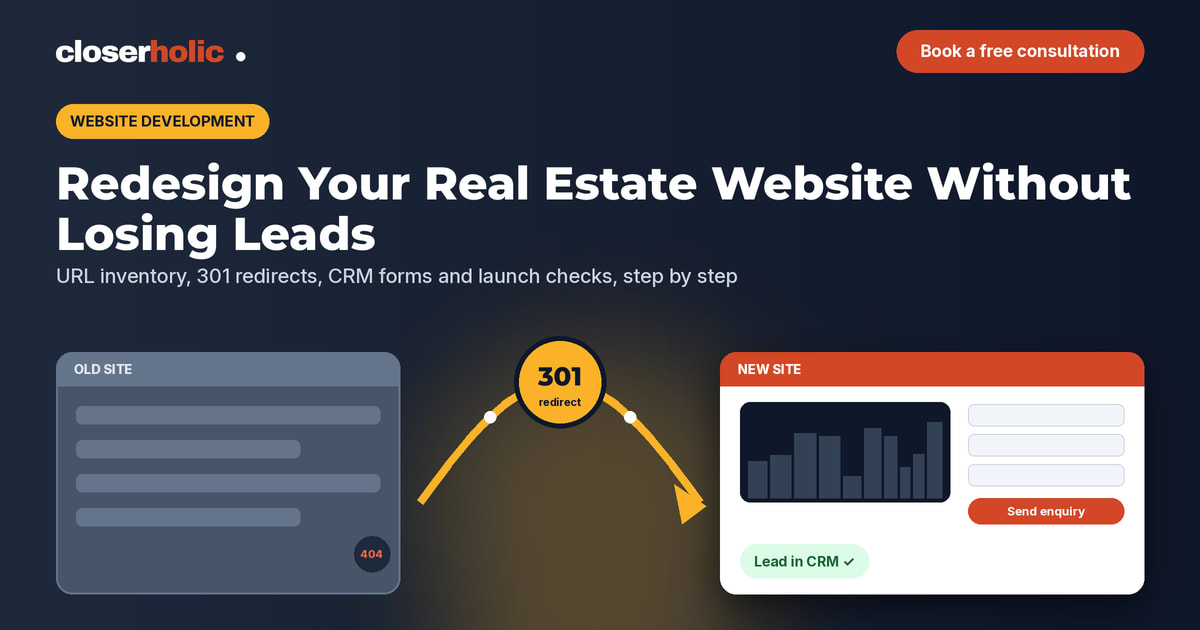
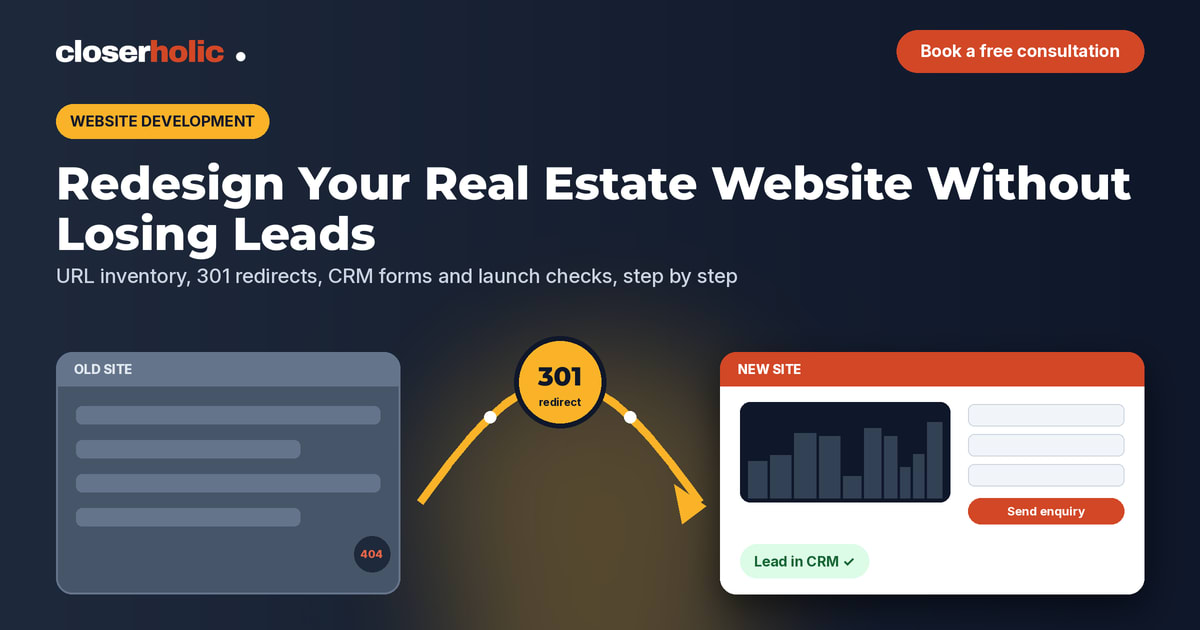
Every URL that changes or disappears needs a permanent (301) redirect to the most relevant new page. This protects visitors who arrive from old links and helps search engines understand where content has moved.
| Old URL type | Redirect to | Note |
|---|---|---|
| Old service page | Matching new service page | One-to-one where possible |
| Merged area pages | The new combined area guide | Keep the best content from each |
| Expired listing pages | The relevant search or community page | Avoid sending everything to the homepage |
| Old campaign landing pages | Current project or offer page | Check with marketing before retiring |
Avoid redirecting everything to the homepage. It is quick, but it frustrates visitors and throws away the relevance the old page had.
Step 5: Rebuild forms and the CRM hand-off
This is where most redesign leaks happen. For every form on the new site, confirm:
- Where the submission goes: straight into your CRM as a lead or deal, not only to an email inbox.
- Which hidden details travel with it: page URL, listing reference, campaign parameters and source.
- Who is notified, and what happens outside working hours.
- That the thank-you page or message tells the person what happens next.
If you use Bitrix24, CRM forms can be embedded on your site and can carry hidden field values into the CRM, which makes source tracking far easier than a plain email form. If you also run campaign landing pages, apply the same rules there; our comparison of brokerage websites and landing pages explains how the two should work together.
Planning a new website and worried about losing enquiries? Book a free 30-minute consultation and we will review your migration plan with you.
Step 6: Migrate content and listings properly
Moving content is not just copy and paste. Check that page titles, meta descriptions, headings and image alt text come across, and rewrite weak ones while you are at it. For listings, decide whether the new site will pull from your CRM or a feed rather than being updated by hand. A site that reads from the same master data as your portals stays consistent with far less effort.
Keep the mobile experience front of mind. Many property buyers browse on their phones first, which we covered in our post on mobile-first real estate websites for UAE buyers.
Step 7: Test on staging, then test again
Build the new site on a staging address that search engines cannot index. Before launch, work through this list:
- Submit every form and confirm the lead arrives in the CRM with the right source and owner.
- Click every WhatsApp and phone button on a real phone.
- Test a sample of redirects from the map, including old listing URLs.
- Check page speed on mobile for the homepage, a listing page and a project page.
- Confirm analytics and any advertising tags fire correctly.
- Check Arabic pages, if you have them, display and align correctly.
Step 8: Launch day checklist
- Remove the staging “noindex” setting from the live site. Forgetting this is a classic and painful mistake.
- Switch on the redirect map.
- Submit the new sitemap in Google Search Console.
- Submit one real test enquiry per form and watch it reach the CRM.
- Update links you control: portal profiles, social bios, email signatures and Google Business Profile.
Step 9: Watch the first 30 days
Compare against your baseline every week for the first month. Look at enquiries by form, organic traffic to key pages and “page not found” errors reported in Search Console. Fix missing redirects as soon as they show up. A small dip while search engines re-crawl the site can happen; a sudden drop in form enquiries usually means something is broken and should be checked the same day.
Who should own the redesign
A website redesign touches design, development, marketing and sales. Name one owner who signs off on the redirect map and the CRM hand-off, not only the visuals. That person should be able to answer, on launch day, exactly where every enquiry goes.
How Closerholic helps
Closerholic builds real estate websites for UAE agencies and connects them to Bitrix24 CRM, so every form, call button and listing enquiry lands with the right person and source. If you are planning a redesign, we can help you scope it as a migration from day one. For the bigger picture of what a site needs, see our guide to real estate website development in the UAE.