Sold, Rented, Expired: A Listing Takedown Playbook for UAE Portals
👉 Book a free 30-minute Bitrix24 demo
A buyer calls about a two-bedroom apartment they found on a property portal. Your agent sighs: it was sold three weeks ago. The buyer is polite, but they have now spent time on a listing that should not have been live, and they will remember it. Multiply that by a few dozen listings and a few hundred calls, and stale inventory becomes a real cost to your reputation and your team's time.
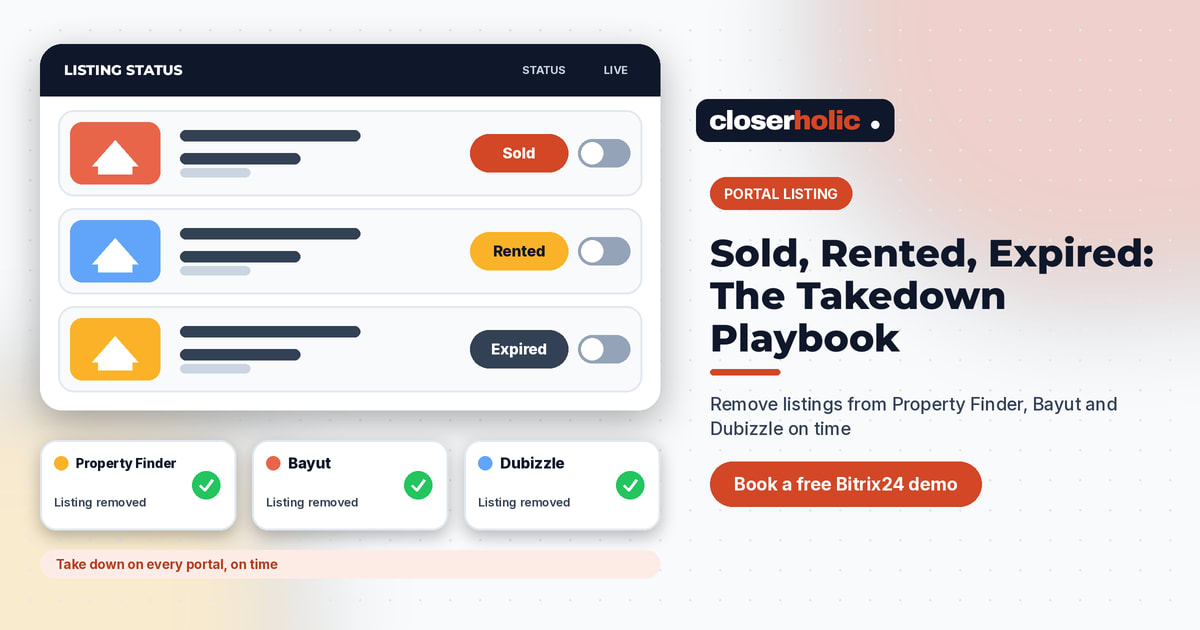
This playbook gives UAE brokerages a simple way to remove sold listings from property portals quickly and consistently, whether the status is sold, rented, or expired. It is written for teams that list on Property Finder, Bayut and Dubizzle, and it keeps every claim generic on purpose: always check each portal's current rules, process and timelines before you rely on any assumption below.
Why stale listings hurt more than they seem
- Wasted agent time. Calls and WhatsApp messages about units that are no longer available.
- Frustrated buyers and tenants. Nobody enjoys a viewing request that ends in "sorry, it's gone."
- Weaker trust. Repeated stale results make your brand look careless.
- Muddy data. Enquiries on dead listings distort your reports, which is a problem if you plan to review portal performance weekly. See our portal listing performance review template.
Three statuses, three different takedown paths
"Take it down" is not one action. Each status has its own trigger, owner and check.
Sold
A sale can mean several things internally: offer accepted, deposit received, contract signed, transfer completed. Decide which of those moments triggers the takedown. Many teams choose the earliest point at which the unit is genuinely no longer available to new buyers, but the rule is yours. Write it down so every agent follows the same one.
Rented
For rentals, the trigger is usually a signed tenancy or a confirmed deposit. Remember to remove the listing from your own website at the same time, not only the portals.
Expired
Expiry can come from an ended listing agreement, an owner pulling the property off the market, or a listing running past its own validity date on a portal. Here the trigger is a date, so a reminder in the CRM works better than memory. Always confirm any expiry rules with the portal itself, since they can change.
The takedown playbook, step by step
- Update the status in one place. Choose a single source of truth, ideally your CRM, and change the status there first. If agents update portals by hand and the CRM later, the two will drift apart.
- Set a response time. For example, "same business day" for sold and rented statuses. This is an internal service level you choose, not a portal requirement.
- Assign an owner. The listing agent triggers the change, a coordinator verifies it. Two people means fewer misses.
- Remove or update the portal listings. Follow each portal's current process. If you publish through an integration, confirm that the status change actually reaches the portal rather than assuming it did.
- Remove it from your website and marketing. Landing pages, social posts, email campaigns and WhatsApp broadcast lists often keep promoting a unit long after it is gone.
- Check each platform. Open the live portal page, or search for the reference, and confirm the listing no longer appears as active.
- Handle live enquiries. Reply to open leads on that unit with a similar alternative instead of a flat "unavailable."
- Log it. Record the date, who did it and where it was removed, so you can spot slow spots later.
What a status switch can look like in a custom setup
These are design recommendations for a custom CRM and integration setup, not guaranteed built-in features of any specific product. In a tailored setup, a single status field on the listing record can drive several actions:
- Moving a listing to "Sold" or "Rented" can create a task for the coordinator to verify takedown.
- A listing with an end date can raise a reminder a few days before expiry for the agent to renew or withdraw it.
- A listing that is not "Available" can be flagged for removal from the website feed.
- Where a portal integration supports it, a status change can be sent to the portal automatically, with the result recorded on the CRM record. If it fails, a task is raised.
If you are still deciding how to sync, our guide to keeping listings synced across Property Finder, Bayut and Dubizzle covers the single-source approach.
Want listing statuses that drive takedowns for you? Book a free 30-minute Bitrix24 demo and we will show how a status-driven workflow can fit your listing process.
Illustrative example: one week of takedowns
This is a hypothetical example, not a real client. Imagine a small brokerage with three status changes on a Monday:
| Unit (hypothetical) | New status | Trigger | Takedown checks |
|---|---|---|---|
| 2BR apartment A | Sold | Signed contract | CRM, portals, website, ad campaign paused |
| Studio B | Rented | Tenancy signed | CRM, portals, website |
| Villa C | Expired | Owner withdrew | CRM, portals, website, owner notified |
The coordinator opens the three tasks, checks each portal by reference, and ticks them off before the end of the day. The agents spend their Tuesday on viewings, not apologies.
Common mistakes to avoid
- Relying on memory. A task or reminder beats good intentions.
- Updating only one portal. Teams often fix the one they use most and forget the others. Our post on mistakes when listing from CRM to UAE property portals covers more of these.
- Forgetting exclusive versus open differences. Exclusives may involve an owner agreement, so involve the owner when the status changes. See exclusive vs open listings from CRM to portals.
- Skipping verification. An integration can fail quietly. Check the live page.
- Leaving paid promotion running. Pause any boost or ad linked to the unit so budget is not wasted.
A weekly stale-listing sweep
Even with a good process, a short weekly check catches the leftovers. Once a week, list every active portal listing and ask the listing agent to confirm that it is still available. Anything unconfirmed gets a call to the owner. Ten minutes on a Sunday evening or Monday morning saves a week of wrong enquiries.
Takedown checklist you can copy
- Status changed in the CRM, with date and agent.
- Portal listings removed or updated per each portal's current process.
- Website listing and any landing page removed.
- Paid promotions paused.
- Open enquiries answered with alternatives.
- Coordinator verified the live pages.
How Closerholic helps
Closerholic builds portal listing integrations and custom real estate CRM setups for UAE brokerages, so a status change in one place can trigger the right tasks and updates everywhere else. We also implement Bitrix24 and connect it to your website and listing workflow. If your team still removes listings by hand, a conversation is a good place to start.