Bitrix24 CRM Email Templates for Real Estate: Build Your Core Set
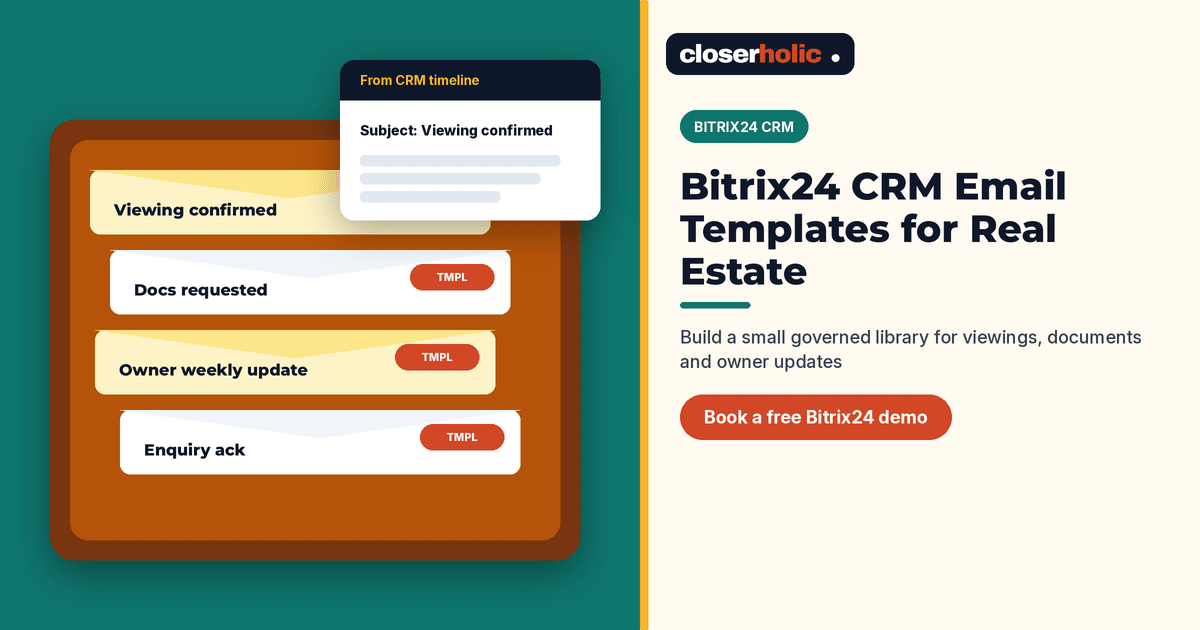
👉 Book a free 30-minute Bitrix24 demo
Your leasing agent writes the same viewing confirmation for the third time today. The sales agent retypes bank details for a developer brochure request. A manager asks why last week's offer follow-up sounded different from the one the team agreed on Monday.
Reusable Bitrix24 CRM email templates fix that drift. Bitrix24 lets you create templates in CRM settings, bind them to a CRM item type when needed, share them with the right people and send them from a lead or deal timeline so the thread stays on the record. This guide shows how to build a small, real-estate-ready core set — without promising features we have not verified.
What Bitrix24 email templates actually do
According to Bitrix24's helpdesk, you can:
- Create reusable email templates under CRM → Settings → CRM settings → Email → Email templates
- Set a name, subject, from-address, body (including files and links), and an Active flag to show or hide a template
- Bind a template to a CRM item (for example a deal) so it only appears on that item's form, or leave it unbound for use across CRM items
- Share a template with specific users or all employees, or keep it private
- Save an email written in a CRM item timeline as a template via Save as template
- Send mail from the CRM item timeline (More → Email), with history saved on that item when your mailbox is connected
Plan availability can vary, so confirm email templates on your Bitrix24 plan before you redesign the whole process around them.
Design principles for a brokerage template library
- Few templates, clear names. Prefer "Viewing confirmed — buyer" over "Email 3".
- One job per template. Do not mix offer terms and viewing logistics in the same body.
- Facts live in the CRM; tone lives in the template. Agents still check price, unit and dates before send.
- Arabic and English as separate templates when your team writes both, rather than one messy bilingual block.
- Managers own the master; agents request edits. That stops quiet rewrites.
The core set for UAE real estate
Start with these ten. Add more only when the same email is rewritten weekly.
| Template | When to use | Binding tip |
|---|---|---|
| New enquiry acknowledgement | First reply after portal, web or WhatsApp lead is logged | Unbound or lead-bound |
| Viewing proposed (times) | Offer two or three slots | Deal-bound |
| Viewing confirmed | After client picks a slot | Deal-bound |
| Viewing follow-up | Same day or next morning after the visit | Deal-bound |
| Documents requested | Passport, visa, EI, salary certificate as relevant | Deal-bound |
| Offer submitted summary | Confirm what was sent to the owner or developer | Deal-bound |
| Owner weekly update | Activity summary for landlords | Unbound or listing-related deal |
| Application received (leasing) | Tenant pack in review | Deal-bound |
| Not a fit — keep in touch | Polite close that leaves the door open | Lead or deal |
| Agency introduction / company details | Partners, co-broke, developer desks | Unbound |
This library sits beside — not instead of — longer nurture sequences. If you are designing multi-step nurture, see our FAQ on property lead nurture emails. Document generation for offers and forms is a different Bitrix24 tool; templates for PDFs are covered in our document templates walkthrough.
Want these templates loaded into your Bitrix24 with the right bindings and permissions? Book a free 30-minute Bitrix24 demo.
How to create and roll them out
- Connect the shared mailbox your agency uses for client email, following Bitrix24's CRM mail guidance, so sent and received mail can sit on the CRM item.
- Create the first three templates (acknowledgement, viewing confirmed, viewing follow-up) in Email templates. Keep Active enabled only when the text is approved.
- Use Share so the sales and leasing groups can see them; keep draft experiments private.
- Bind stage-specific templates to deals if you want a shorter list on the deal form.
- Train agents: open the CRM item → More → Email → choose the template → check merge details → send. Prefer sending from the item so replies stay attached.
- Optional: if an agent writes a strong one-off email, use Save as template, then have a manager clean and rename it before wide sharing.
Governance that keeps quality high
- Quarterly review: deactivate templates nobody uses; update legal lines and office addresses.
- Permission check: only roles that should edit CRM settings can change the master list; Bitrix24 restricts CRM settings by role.
- No silent forks: if someone needs a variant, create "Viewing confirmed — off-plan" rather than editing the shared original in place without notice.
- Timeline discipline: agents should still log calls and viewings; email is one channel, not the whole history. Pair with solid automation rules for follow-up.
Example: viewing confirmed template body
Keep the body short and scannable. A solid structure looks like this:
- Greeting using the client's name from the CRM
- Property one-liner (community, beds, reference)
- Confirmed date, time and meeting point
- What to bring (IDs, company NOC if leasing)
- Agent name, mobile and WhatsApp
- A single line on how to reschedule
Save brand colours and long signatures for your mailbox defaults. The template should stay readable on a phone screen. If you need rich PDFs, generate those with document templates and attach them rather than pasting a wall of HTML into every email.
What email templates will not solve
They will not replace automation rules that create tasks, and they will not fix a missing pipeline. They also will not personalise themselves: agents must still confirm unit, price and dates. Used well, they remove retyping and keep the agency voice consistent.
Where Closerholic helps
Closerholic is a Bitrix24 partner for UAE real estate. We set up CRM email templates alongside pipelines, Open Channels and listing processes so agents send the right message from the right record. Bring three emails your team already sends daily, and we can show how they look as a governed template set.