GA4 Key Events for Real Estate Websites: What to Mark and Why
👉 Book a free 30-minute consultation
Open the Google Analytics property of a typical agency website and you will often find one of two extremes. Either nothing is marked as important, so the reports show traffic but not results. Or almost everything is, so "key events" include page scrolls, brochure clicks and every button press, and the numbers mean very little.
Both make it hard to answer the question that matters: which campaigns and pages bring people who actually want to talk to an agent? This guide shows how to choose GA4 key events for real estate websites, using a simple tracking plan you can fill in with your marketing team in an hour.
Key events in plain English
In Google Analytics 4, everything a visitor does is recorded as an event: a page view, a scroll, a form submission. A key event is an event you mark as particularly important to your business. Google renamed what used to be "conversions" in Analytics to key events, and now uses the word conversion for actions measured for Google Ads campaigns and bidding.
A few facts from Google's Analytics Help that shape your plan:
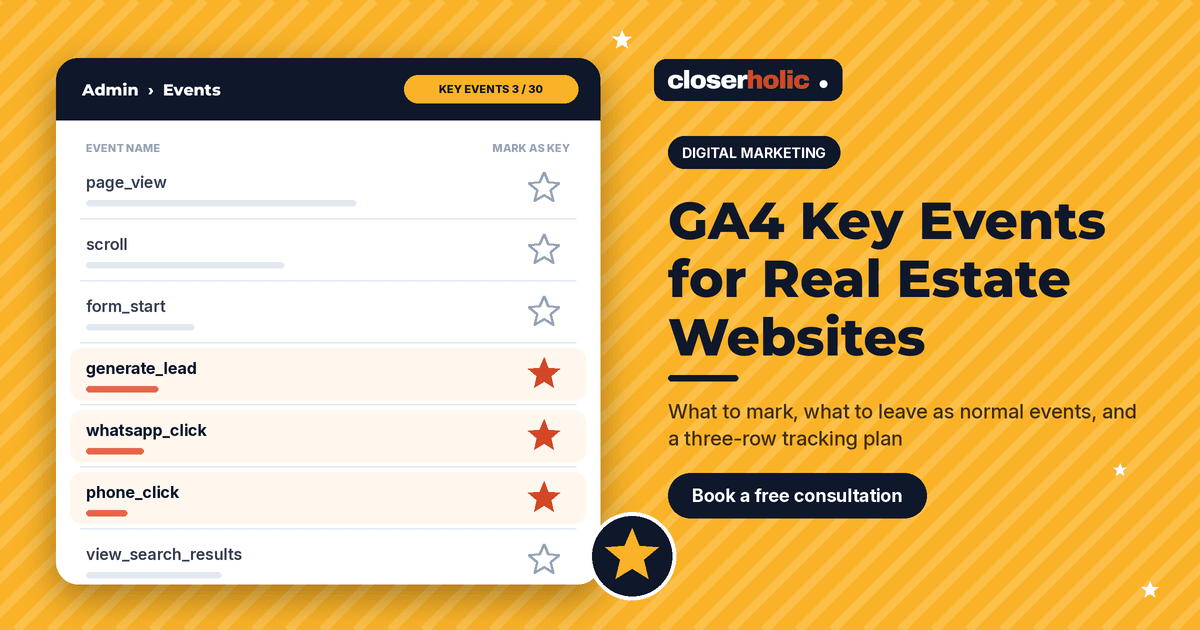
- Any event you collect can be marked as a key event, in Admin > Data display > Events, by clicking the star next to it.
- Standard properties can mark up to 30 events as key events. That limit is a hint: be selective.
- Marking an event affects reports from that point on. It does not change historic data, and it can take up to 24 hours to appear in standard reports.
- You can mark a new event as a key event before it has been collected, so it counts from day one.
Step 1: list the actions that start a real conversation
For an agency, the strongest signals are the moments a visitor hands over contact details or reaches out directly. Typical candidates:
- Viewing request form submitted
- Valuation or "list with us" form submitted
- Callback request submitted
- WhatsApp button tapped
- Phone number tapped on mobile
- Off-plan brochure or payment plan requested with contact details
Google's list of recommended events includes generate_lead, for when a user submits a form or a request for information. Using recommended names where they fit makes your setup easier to understand later.
Step 2: separate key events from "useful signals"
Many actions are worth measuring but are not business outcomes. Keep them as normal events and use them in reports, audiences and explorations, without marking them as key.
| Action | Mark as key event? | Reason |
|---|---|---|
| Viewing request submitted | Yes | Direct intent to visit a property |
| Valuation request submitted | Yes | Potential new listing for your agency |
| WhatsApp button tap | Yes, labelled clearly | Starts a conversation, though not every tap becomes a chat |
| Phone number tap | Yes, labelled clearly | Shows intent to call; the call may not connect |
| Form started but not sent | No | Useful for spotting form problems, not an outcome |
| Scroll to bottom of listing | No | Engagement, not intent |
| Brochure download without details | Usually no | Interest, but no way to follow up |
| Site search used | No | Helpful for content decisions |
Before you add anything, check the Key events tab. Google's documentation notes that some events are marked as key events by default, such as purchase, and that linking Google Ads with Ads Personalization can mark certain others too. Make sure the list reflects your choices.
Step 3: decide how each event is measured
There are three common routes, and you may use more than one:
- Enhanced measurement. Turned on per web data stream, with no code changes. Its form interactions option records
form_startandform_submit. Convenient, but it cannot tell a viewing form from a newsletter form unless you report on form details, which needs custom dimensions. - Thank-you page events. In Admin you can create an event from a
page_viewon a specific URL, such as your viewing confirmation page, and mark it as a key event. This works well when each form has its own confirmation page. - Custom events from your site. Your developer sends a named event, such as
generate_leadwith a parameter for the form type. This is the cleanest option for agencies with several forms.
Whichever route you use, Google states that you are responsible for making sure no personally identifiable information is collected. Never put names, phone numbers or emails into event names, parameters or page URLs.
Want a second opinion on what your Analytics property is counting today? Book a free 30-minute consultation with Closerholic.
Step 4: fill in the tracking plan
Write one row per key event and share it with whoever builds your site and runs your ads:
| Event name | Fires when | Parameters | Owner |
|---|---|---|---|
| generate_lead | Any lead form is submitted successfully | form_type (viewing, valuation, callback), listing_ref | Web developer |
| whatsapp_click | WhatsApp button tapped | page_type (listing, area guide, home) | Web developer |
| phone_click | Phone link tapped | page_type | Web developer |
Three rows are enough for many agencies. A short, trusted list beats a long one nobody believes.
Step 5: connect the dots to campaigns and the CRM
Key events tell you which channels drive enquiries. To see which campaign drove them, your links need consistent tagging, as set out in our UTM naming template for UAE property campaigns.
If you run Google Ads, Google's Help explains that you can create conversions based on GA4 key events and share them with Google Ads for bidding, although the feature may not yet be available to every property. Be careful about which ones you bid on: a phone tap is a weaker signal than a submitted viewing form.
Analytics also has recommended lead events for later stages, such as qualify_lead and close_convert_lead, for when outcomes happen offline. In practice, those outcomes live in your CRM. Many agencies keep GA4 for the website side and use CRM reports, fed by the same UTM sources, for viewings, offers and deals.
Common mistakes
- Counting the confirmation page twice. If both a page-view event and a form event fire for the same submission, you double your numbers.
- Marking scrolls and clicks as key. Your "conversion rate" looks great and tells you nothing.
- Never testing. Submit each form yourself after every website release and check the Realtime report, which updates within minutes.
- Different names for the same thing. "Lead", "lead_form" and "enquiry" across three forms make reporting painful.
Where to go next
Once you trust your key events, compare channels properly. Our posts on Google Ads vs Meta Ads for UAE property leads and ad-to-landing-page message match help you act on what the numbers show. For the bigger picture, see digital marketing for UAE real estate.
Closerholic helps UAE real estate agencies with digital marketing, websites and Bitrix24, including tracking plans that connect website enquiries to CRM sources. If your reports show traffic but not results, let's talk.